What's in it/hyprforge-displayd
Plug the dock in. That's it.
A small daemon recognises the monitors you've plugged in and puts back the arrangement you saved for them. Same dock tomorrow, same layout, and no script to keep up to date.
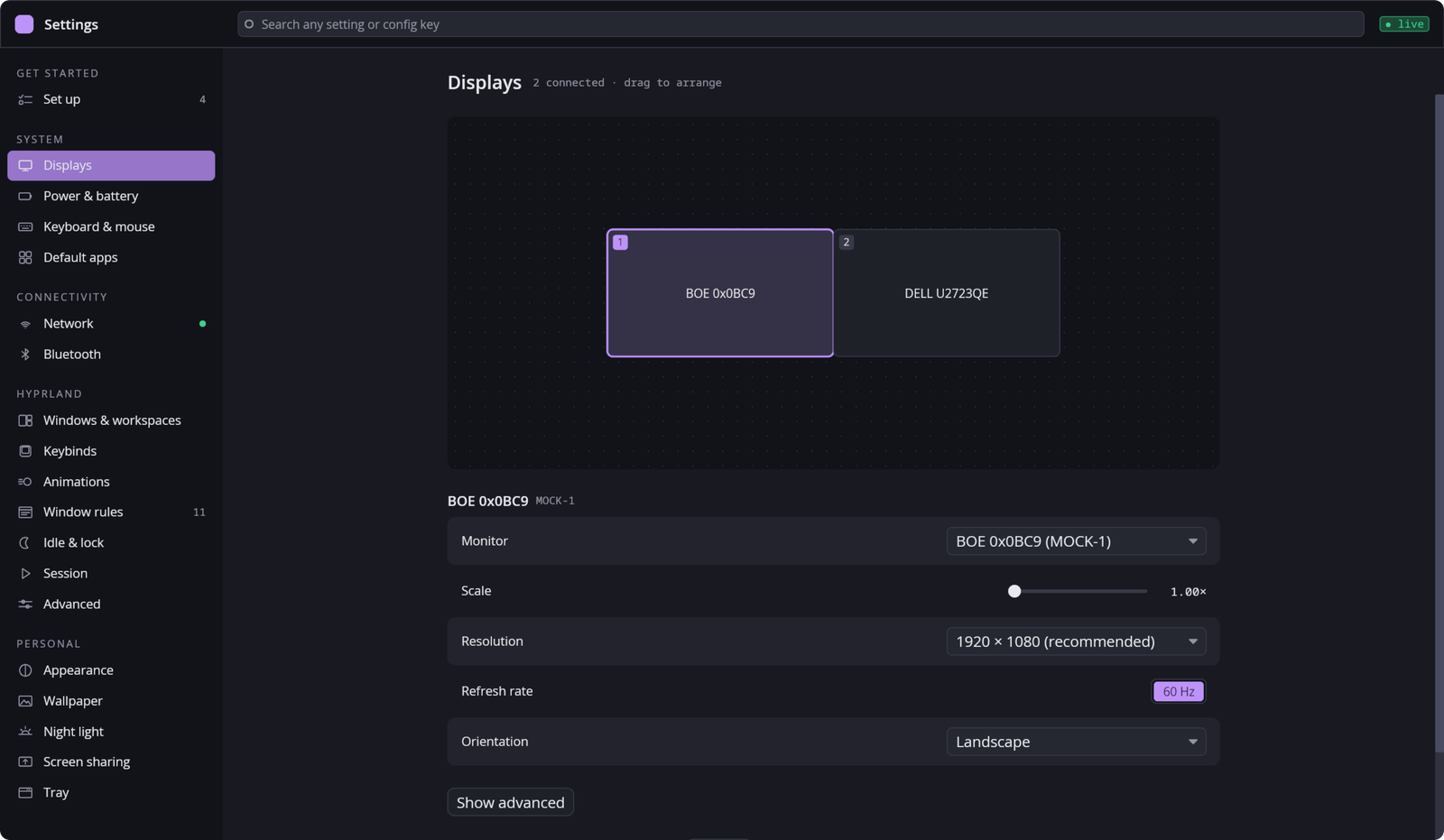
§1How it remembers
- By monitor, not by port
DP-1is whatever's plugged in there today. Layouts are keyed on the monitors themselves, so they follow the monitor.- Identical twins
- Two of the same monitor look identical to a computer. It goes by which port they're in, and keeps any swap you saved.
- Only scales that work
- Hyprland quietly refuses a scale that doesn't fit the resolution. Every scale is snapped to one your screen can really take first.
- Keep or revert
- A new layout asks to be kept. If you can't see the screen to answer, it puts the old one back by itself.
- Even when it isn't running
- The layout is also written as a plain
monitors.lua, so it applies without the daemon. - Your rules win
- That file loads before your own config, so a monitor line you wrote by hand still has the last word.
§2From a script
hyprforge-displayctl speaks to the daemon over the same D-Bus interface Settings and the tray use.
$ hyprforge-displayctl list-profiles
$ hyprforge-displayctl apply-reversible <profile>
$ hyprforge-displayctl confirm