What's in it/hyprforge-polkit
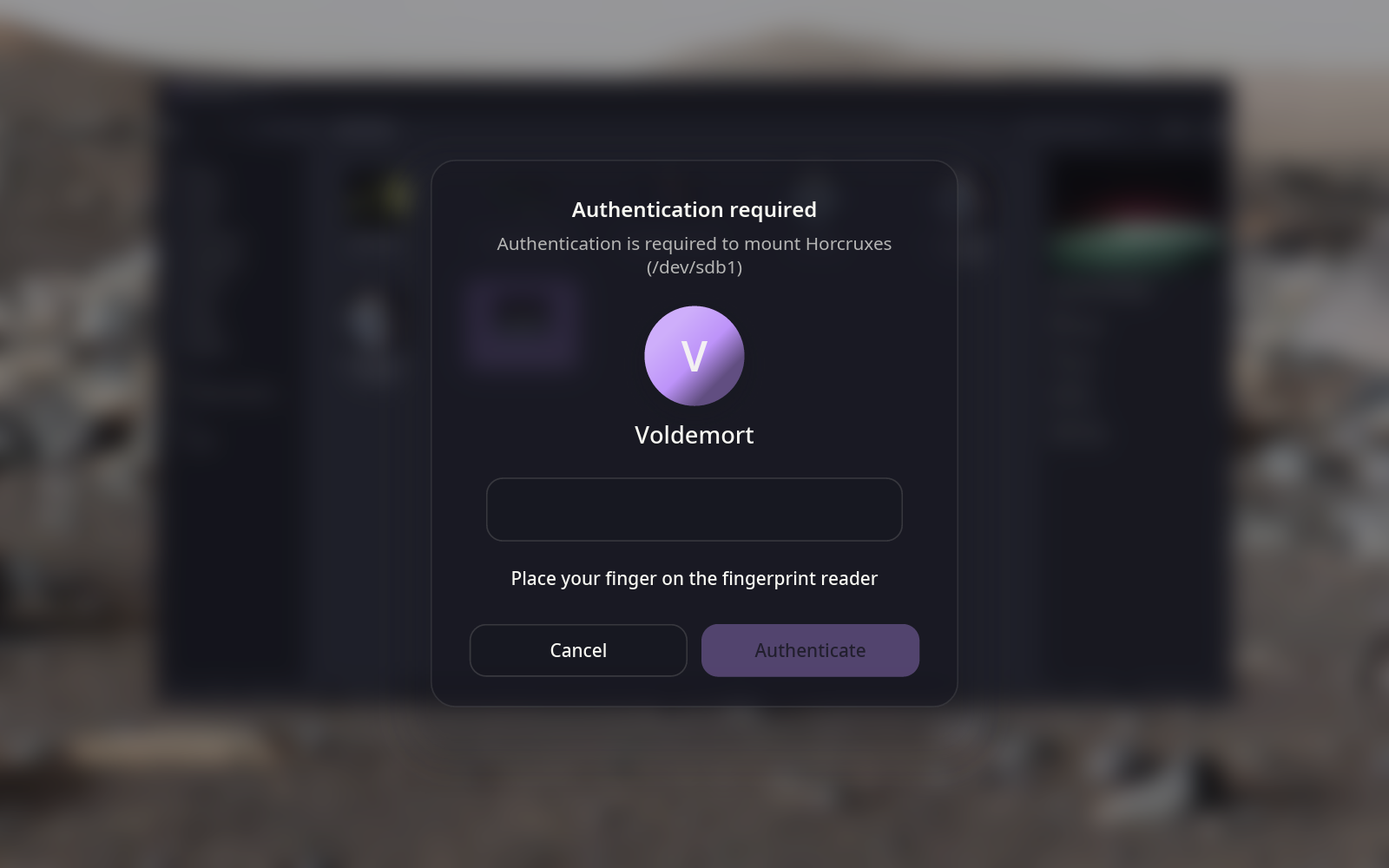
The password prompt, drawn as your lock screen.
When an app needs administrator access to mount a drive, install a package or change a system setting, this is what asks. It's the lock screen's card, over your desktop dimmed and blurred, so it's clear what you're answering.
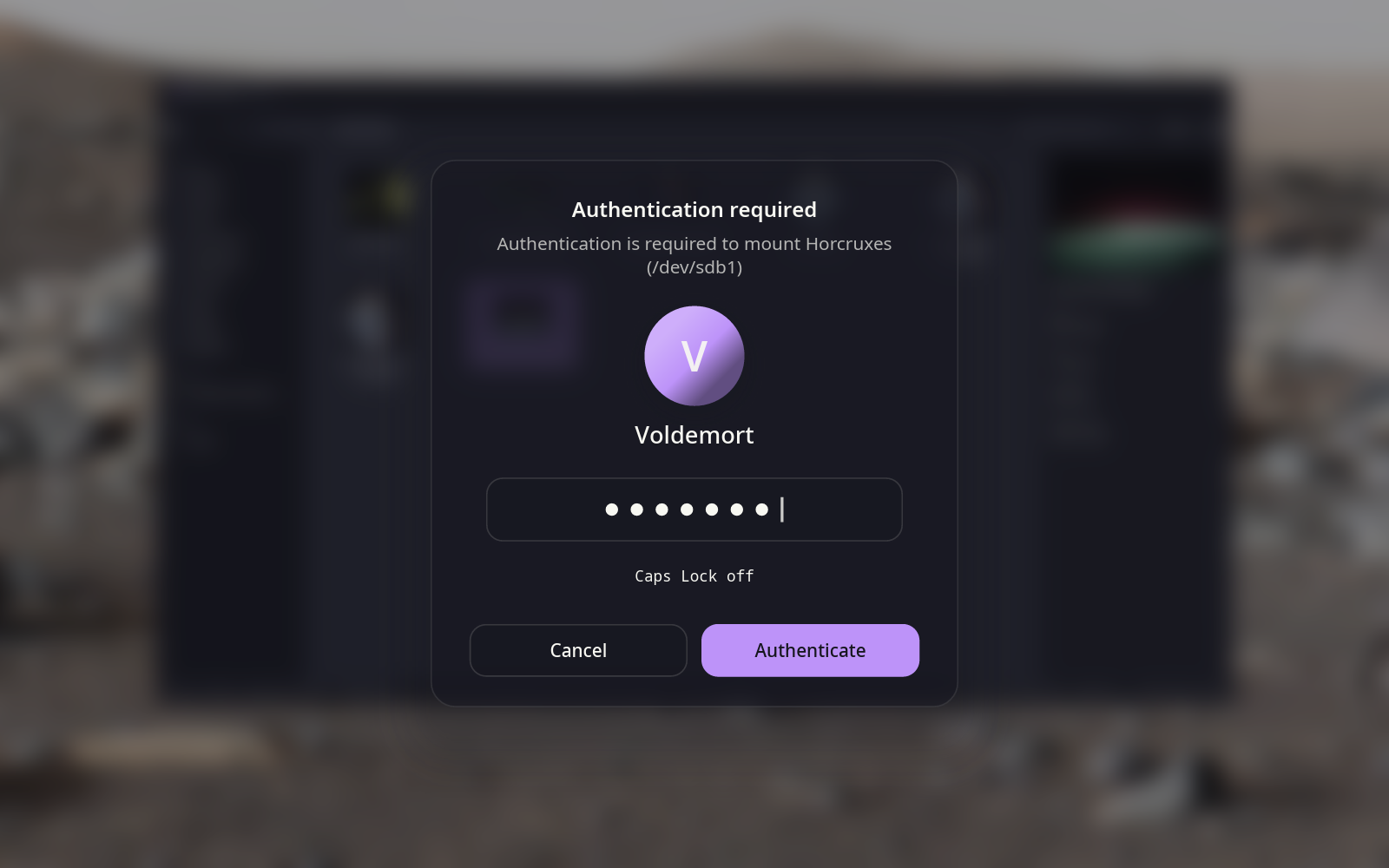
- The lock screen's card
- The avatar, the field and the line under it are drawn by the lock screen's own code, so the two prompts for your password can't drift apart.
- Your fingerprint
- Set up can add your reader to administrator prompts. Touch it, or wait ten seconds and type your password instead.
- Says what it's for
- The sentence comes from whoever wrote the action, word for word. When several accounts can answer, you can pick another.
- Takes over cleanly
- Set up switches hyprpolkitagent off for you, even when your config starts it by hand, without editing that config. Undo brings it back.
It never checks your password.
An agent is a messenger. polkit gives it a one-time ticket, and polkit's own helper checks you against the system's sign-in rules, then tells polkit the answer itself. The prompt only passes along what the helper asks and what you type. So it accepts exactly what your system is set up to accept, and what you typed is never written down or logged.
That's also why it can't offer your finger and your password at the same moment: the system asks one question at a time, and while it waits for a finger, nothing else can be asked.