What's in it/hyprforge-emojimenu
The emoji picker GNOME and KDE already have.
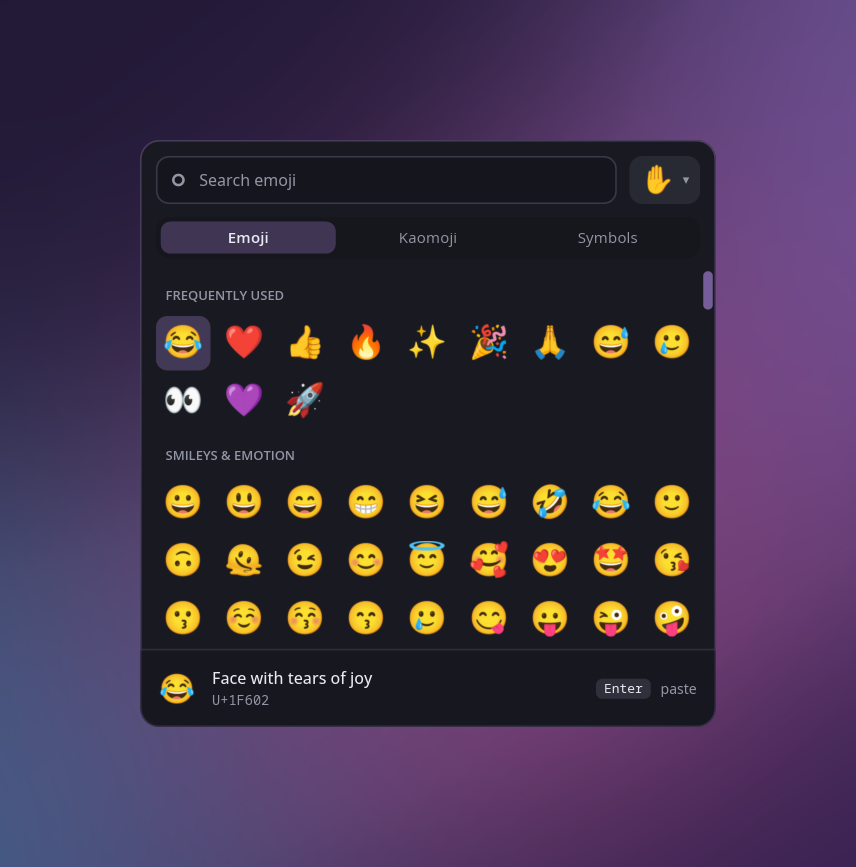
Press a key and it opens at your pointer, with the emoji you use most at the top. Type to search, pick one, and it's pasted into whatever you were writing.
§1What it does
- All of them
- Every emoji in Unicode, in the order your phone uses, with search.
- Skin tones
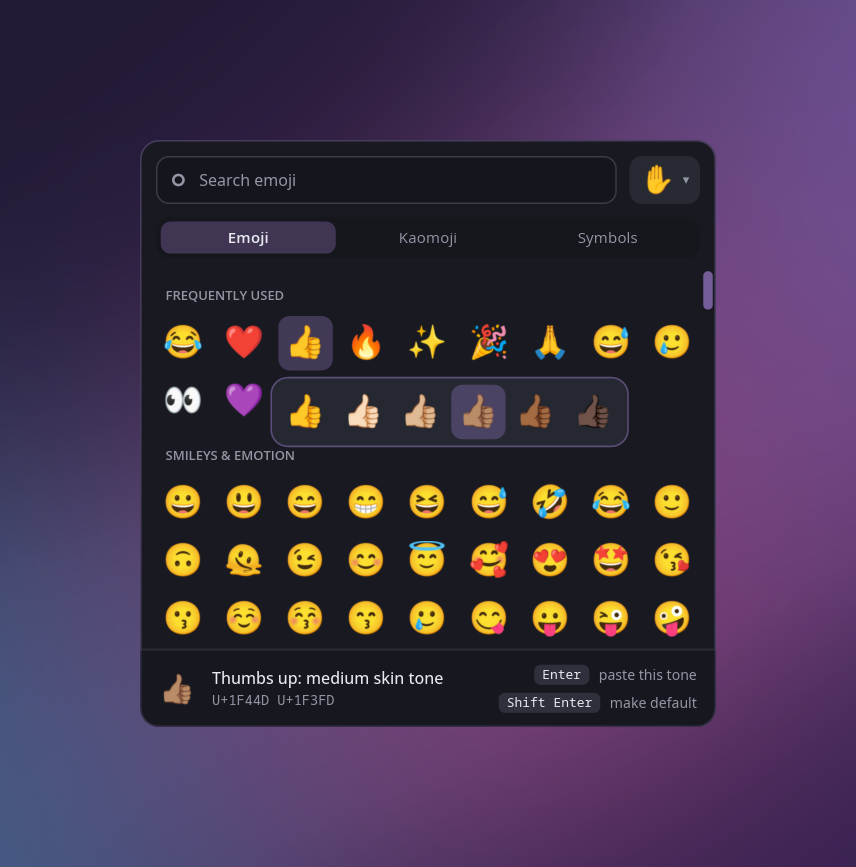
- Hold an emoji, or press Shift+Enter, for its tones. The ✋ button sets the tone every emoji is shown in.
- Kaomoji and symbols
- Two more tabs: kaomoji, and the arrows, maths, currency, dashes and quotes you can never find. Tab moves between them.
- Nothing running in between
- It starts when you press the key and exits when you pick or press Esc. There's no daemon.
§2The hard part
Pasting, for real.
A picker that types your emoji and then exits can close before the compositor has read the keys. When we measured it, that delivered nothing at all. The fix is to ask the compositor a question and wait for the answer. It can't reply until it has processed everything sent before, so the reply proves the keys arrived.