What's in it/hyprforge-files
The file manager you'd otherwise borrow from GNOME.
Tabs, split view and Quick Look. Archives you can walk into like folders. Phones, USB sticks and network shares in the sidebar, and an undo that shows you everything it's holding. It's native to Hyprland and it looks like the rest of your desktop.
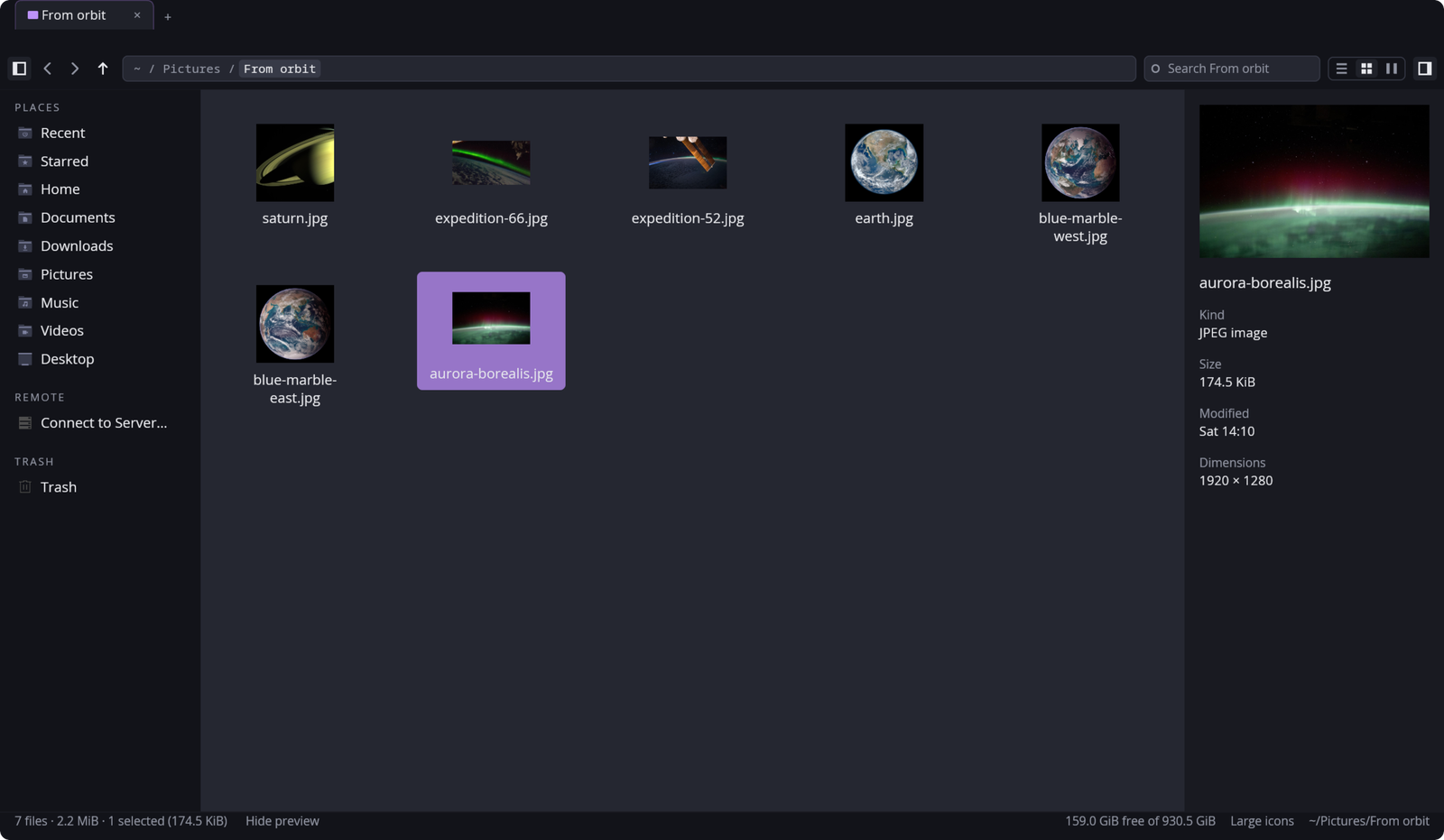
§1Search
Type a filter and it becomes a chip.
Search understands ext:, size:, modified:, content: and tag:. It can look inside files without an index, and it tells you how many it didn't get to read. Ctrl+Shift+F widens the search from this folder to your whole home.
Try it: type ext:jpg and a space.
try
§2What it does
- Archives are folders
~/Downloads/x.tar.xz/binis a place you can go. It handles zip, tar over gzip, bzip2, xz or zstd, and 7z, with nothing extra installed.- …and you can edit them
- Add, rename and delete inside an archive. Each change is written beside the original and swapped in, so an interrupted edit never leaves half an archive.
- Quick Look
- Space shows the file large. Videos play, 3D models turn, and the arrow keys walk the folder while it's open.
- Split view
- F3 puts a second folder beside the first, each with its own history and selection.
- Drag anything
- Drag between folders, tabs, the sidebar and the path bar, or out into other apps. Files inside an archive are unpacked while you're still dragging.
- Undo, with a history
- Ctrl+Z takes things back, and Undo History lists everything it still can. Each undo first checks the folder is as it left it.
- Drives, phones, servers
- Mount and eject through UDisks2, with nothing running as root. Phones and cameras open over MTP, and Connect to Server does smb, sftp and ftp.
- Thumbnails for nearly everything
- Photos, SVG, PDF, video, 3D models, AVIF, HEIF and JPEG XL. They share the thumbnail cache your other apps already use.
- A trash that works on btrfs
- A file on another filesystem gets its own trash folder. On btrfs every subvolume counts as another filesystem.
- Tags
- Kept on the file itself, the way Dolphin does it, so they survive renames and copies.
tag:workfinds them. - Previous versions
- If snapper keeps snapshots of your home, a file's older copies are a menu item away, one per change.
- Open as administrator
- One password and a tab can change system folders, under a banner that says so. The window itself never runs as root.
§3Plates
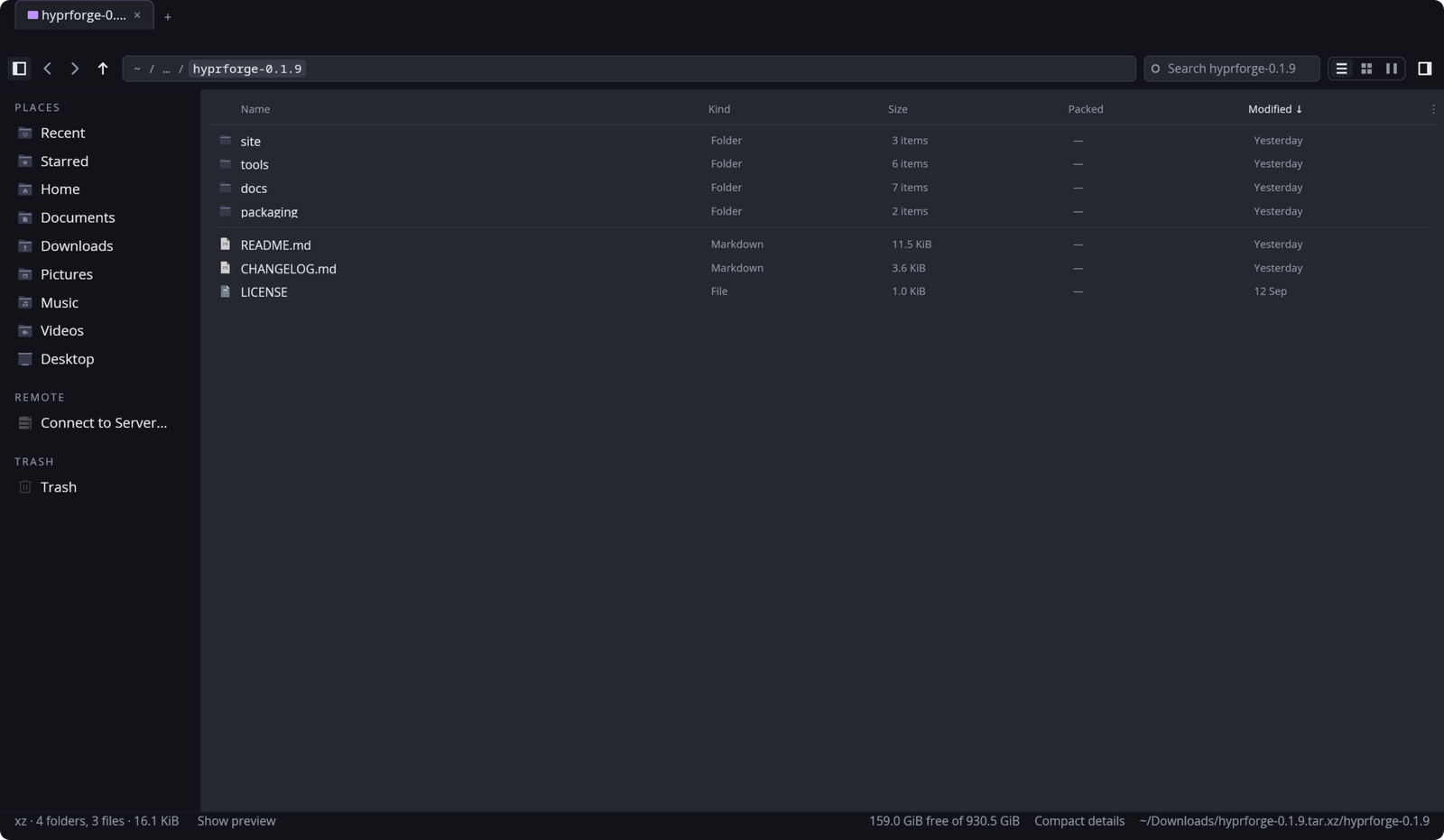
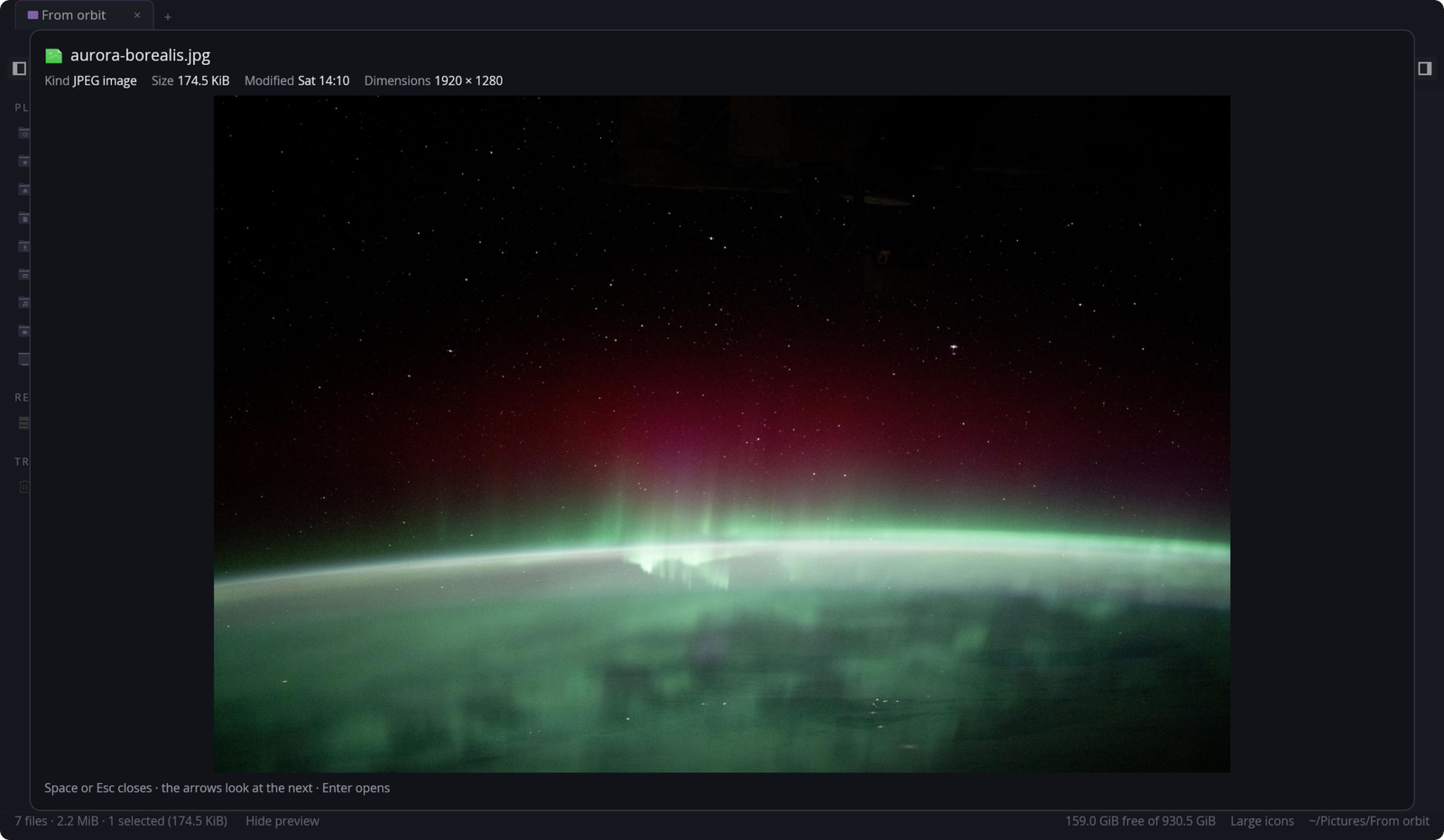
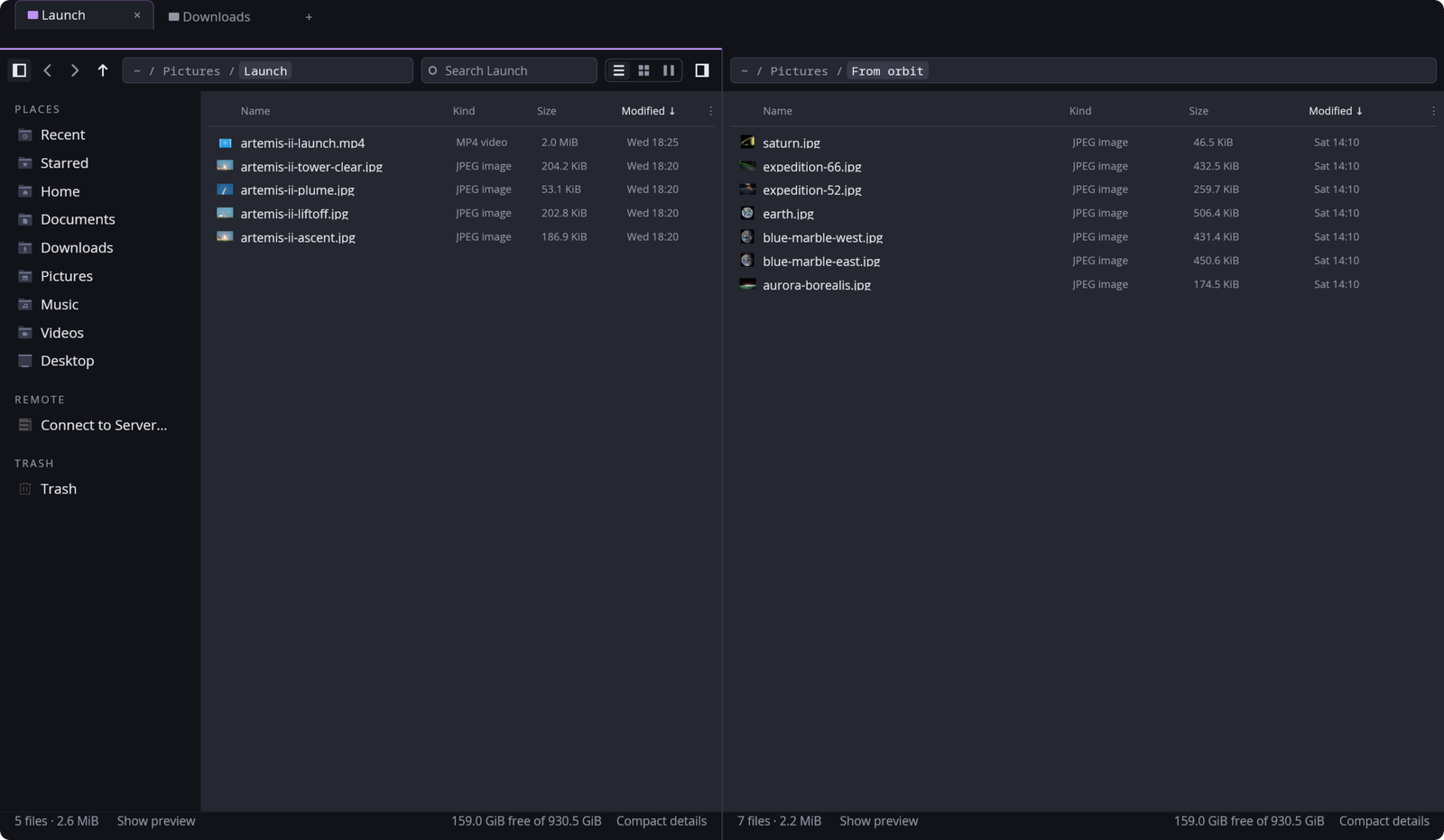
PLATE TO COME
The sidebar showing a USB stick, a phone and a network share
docs/images/files-devices.png
§4Everywhere else
It's also your open and save dialog.
Set up can make Files the dialog that every app's "Open…" and "Save as…" use, so choosing a file in your browser works the way Files does, Quick Look included.
PLATE TO COME
A browser's Save dialog, drawn by Hyprforge Files
docs/images/files-dialog.png