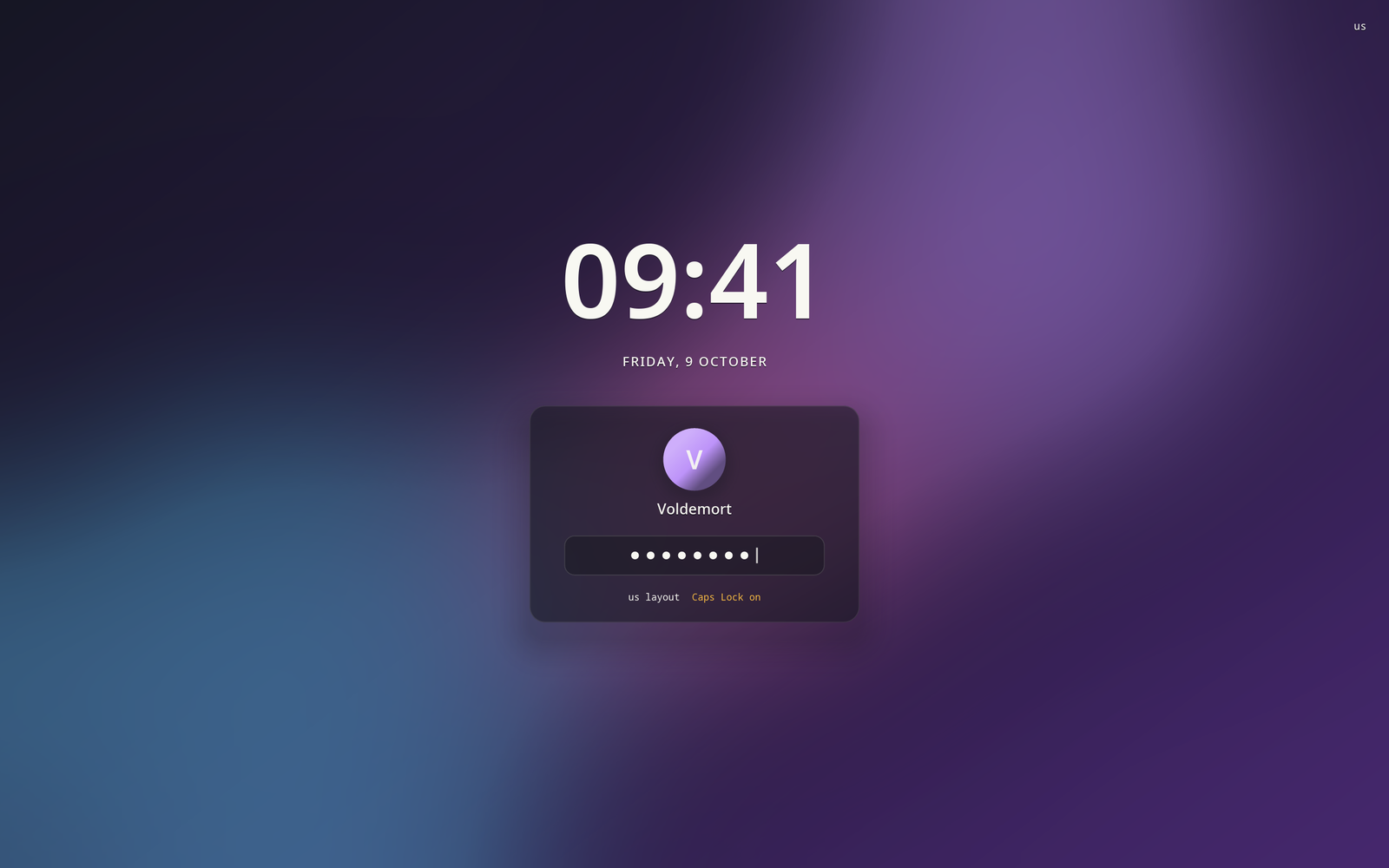
What's in it/hyprforge-greet
The same screen, before you log in.
A login screen for greetd that has no drawing code of its own. It borrows the lock screen's, so logging in and unlocking look identical. They weren't styled to match: there's only one screen.
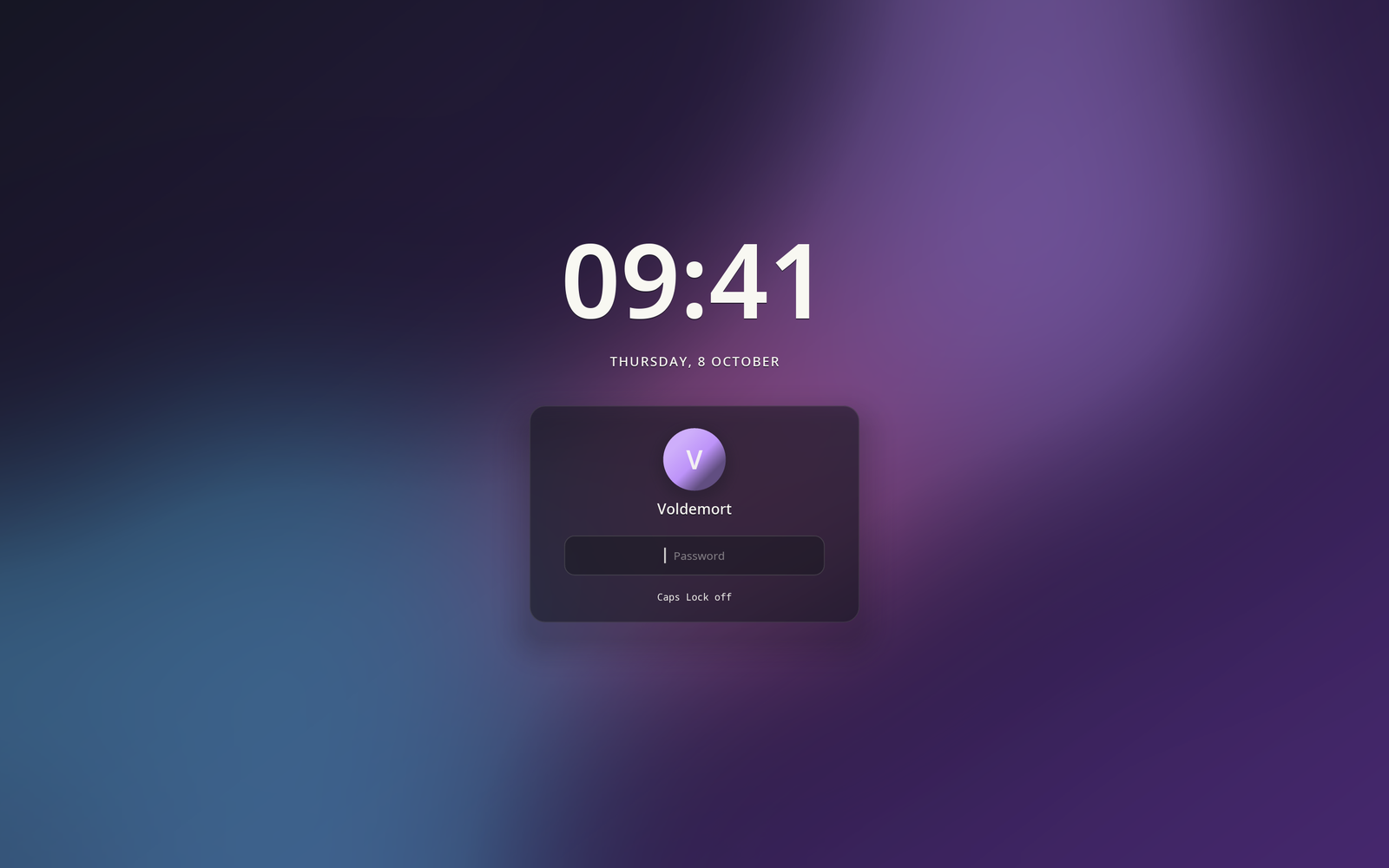
Its compositor has no keybinds. Not one.
Whoever is standing at a login screen hasn't logged in yet, and every keybind on that screen's compositor belongs to them. One "harmless" Super+Q for a terminal is a shell without a password. So the greeter's Hyprland config has none, and its README asks you never to add one. No care in the greeter's own code could make up for it.
- No graphics driver needed
- It draws in software with the lock screen's renderer, which is also why the frosted card is exactly as frosted on both.
- Your look, before you're you
- A greeter can't read your home folder. Settings exports your theme, wallpaper and monitor layout to a place it can.
- An input method for passwords
- It starts fcitx5 with most of it switched off. An in-progress composition is never drawn or kept, and nothing gets entered twice.
- The same conversation
- PAM's questions go through the same code as the lock screen's, so a failure that wasn't your password never says it was.
This is the one part the installer won't finish for you. It never writes /etc/greetd/config.toml or turns greetd on, because that file decides how your machine logs in. The guide walks you through it from a spare terminal, and every step up to the last can be undone.