Free software for Hyprland/MIT
The rest of your Hyprland desktop.
Hyprland gives you a superb compositor and leaves the rest to you: the lock screen, the login, notifications, somewhere to change a setting. Hyprforge is that rest, made as one piece so it looks and behaves like one.
Welcome back.
That was a copy of hyprforge-lock running in your browser. The real one is a session-lock client that checks your password with PAM, and nothing you type there reaches a log either.
Twelve pieces, and you can take any one of them.
Each piece has its own repository and its own package. Take the clipboard history and leave the other eleven, and it'll still work and still look right. Take all twelve and they share a look, a keyboard grammar and a set of libraries, so they feel like they came from the same place, because they did.
Apps
- 01SettingsNineteen pages over your Hyprland config. It writes plain Lua that you can open and read.hyprforge-settings→
- 02FilesTabs, split view, Quick Look, archives you can walk into like folders, phones and network shares.hyprforge-files→
- 03MediaPhotos, video and 3D models in one viewer, in the same order Files shows them.hyprforge-media→
- 04Lock screenPassword or fingerprint, what's playing, and a supervisor that keeps you locked if it ever falls over.hyprforge-lock→
- 05GreeterThe login screen for greetd. It uses the lock screen's own drawing code, so the two match exactly.hyprforge-greet→
Running in the background
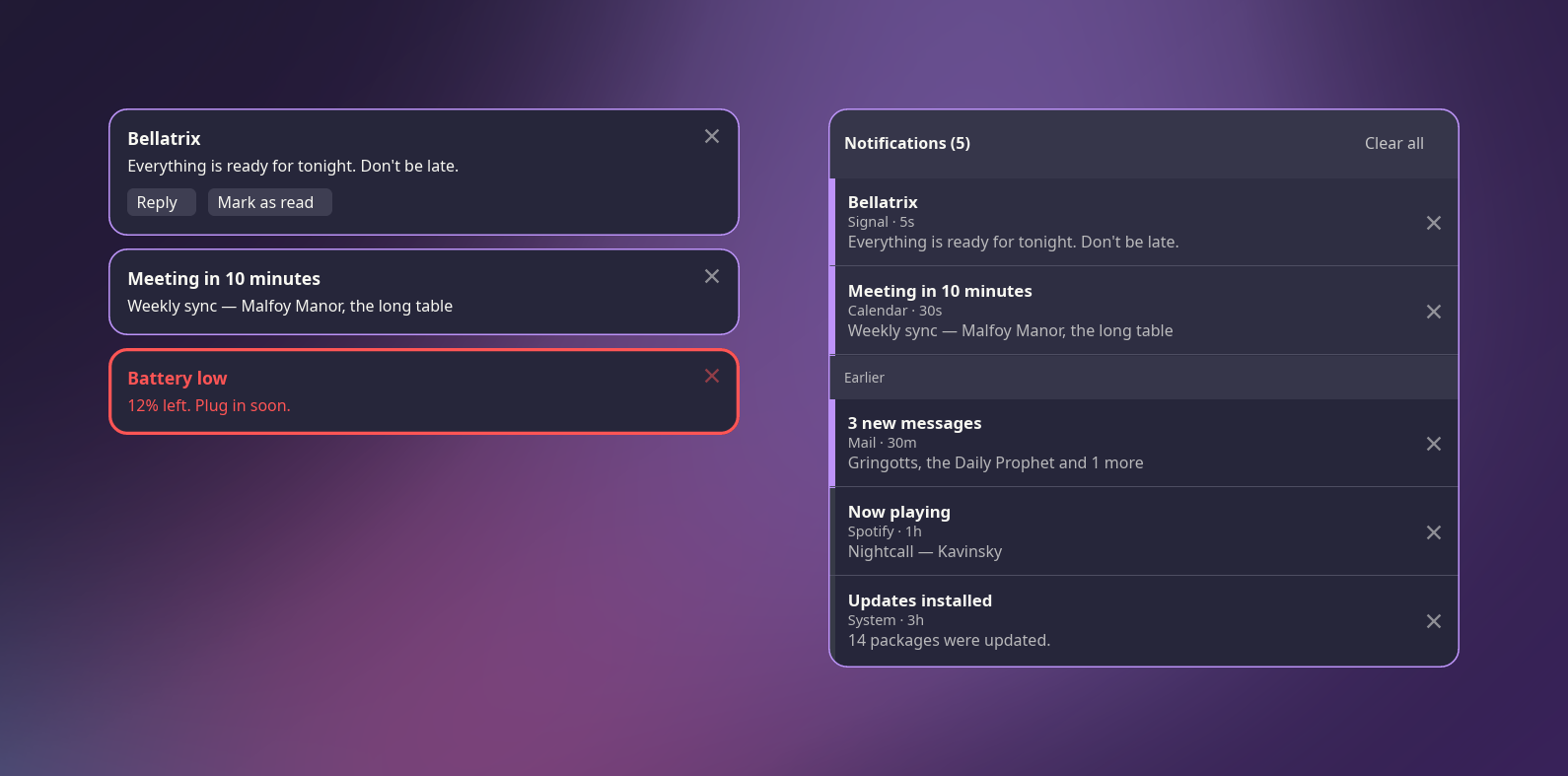
- 06NotificationsToasts, a notification center to come back to, and do-not-disturb. It takes over from dunst or mako.hyprforge-notif→
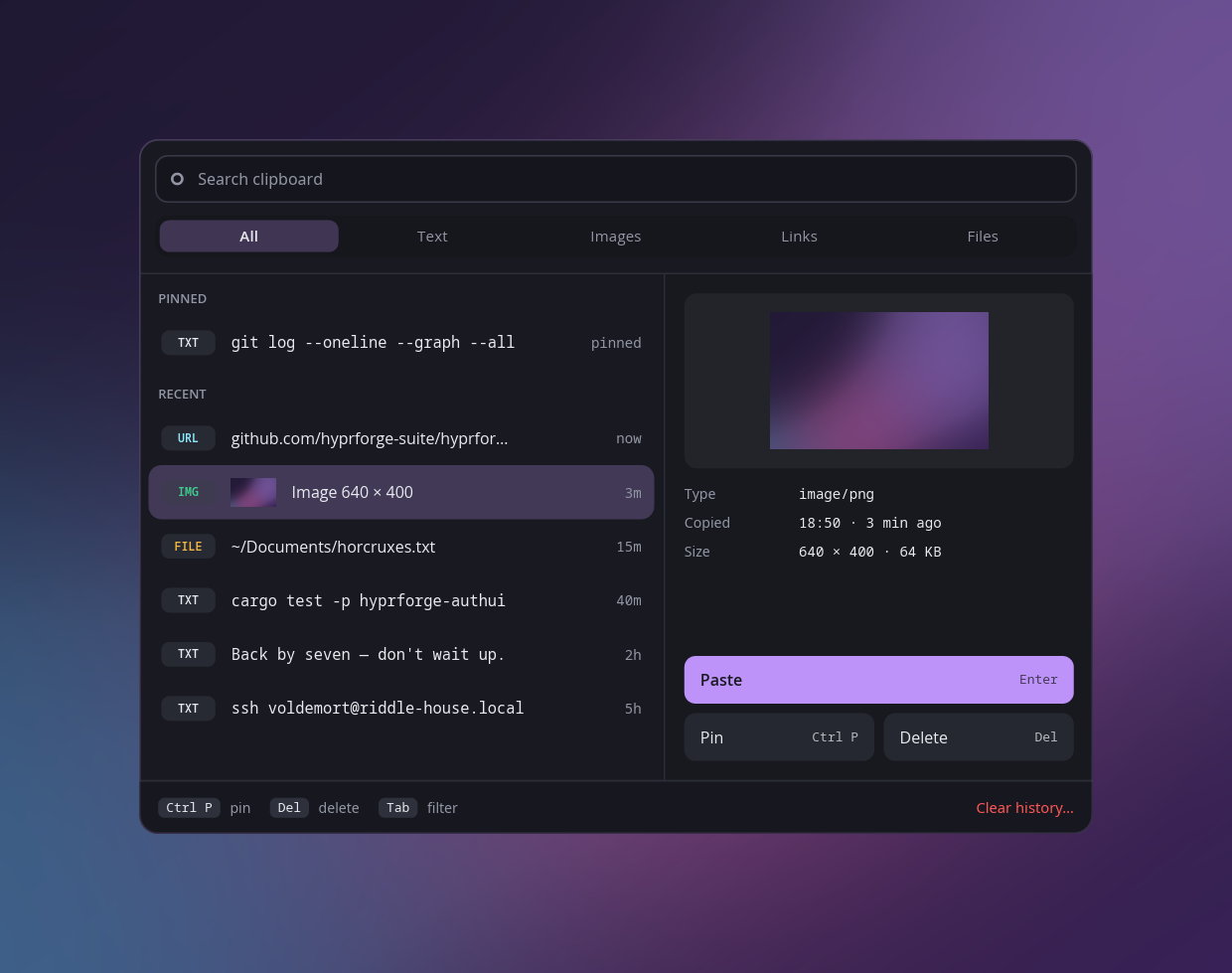
- 07ClipboardYour copy history at the pointer. A password manager's secrets are never even read.hyprforge-clipboard→
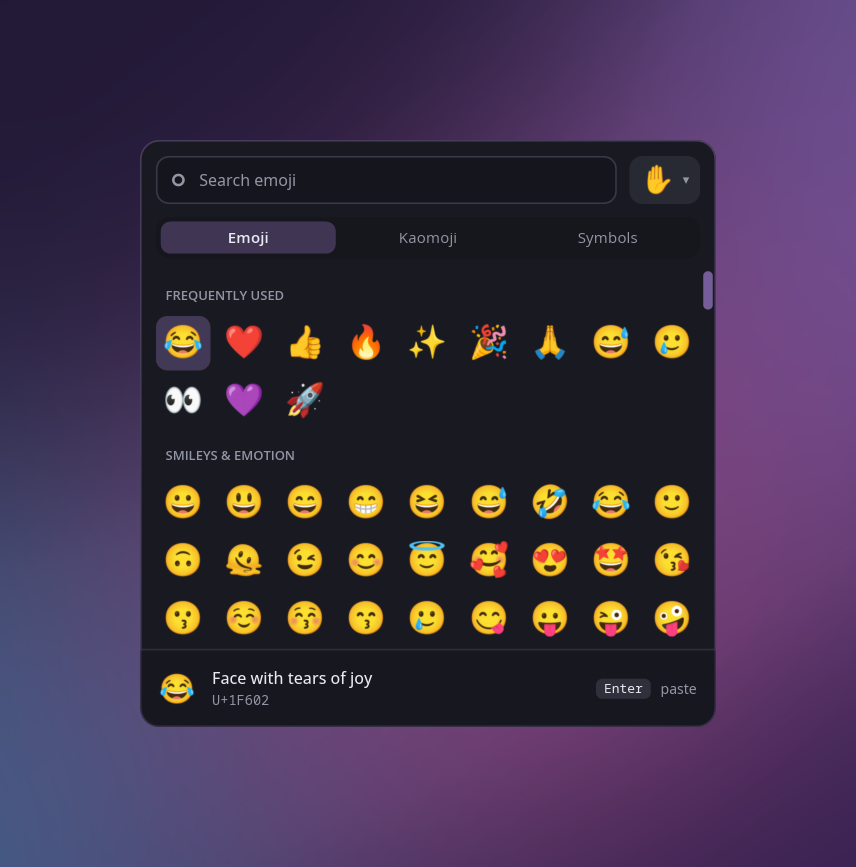
- 08Emoji pickerEvery emoji, plus kaomoji and symbols, one key away, and it pastes for you.hyprforge-emojimenu→
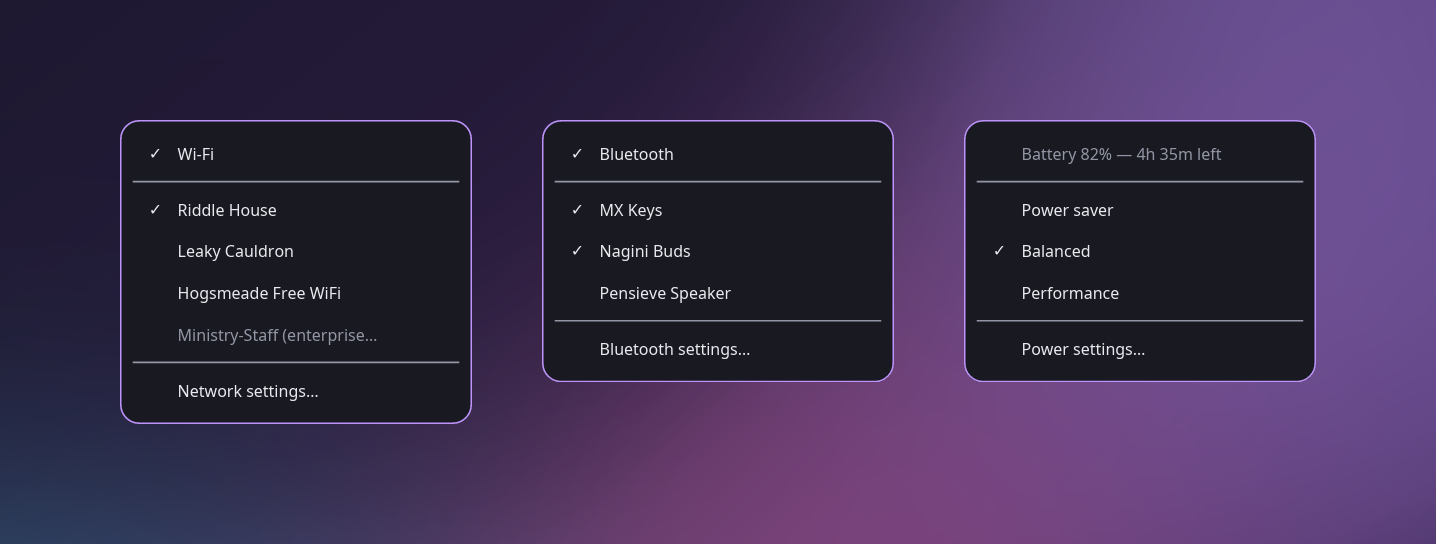
- 09TrayWi-Fi, Bluetooth, battery, night light and more, in whichever bar you already use.hyprforge-tray→
- 10DisplaysPlug the dock back in and your monitors come back the way you arranged them.hyprforge-displayd→
- 11Administrator promptWhen an app needs administrator access, the lock screen's card asks, and your fingerprint can answer.hyprforge-polkit→
These aren't mockups. Each one was drawn by the code that draws it on your screen, with the same theme, read from the same files. Settings, Files and Media are still waiting for their portraits.
Every mistake gets written down.
The repository keeps a running list called "the rules that came from being wrong." Each entry is a real bug: what happened, why it wasn't obvious, and what now stops it happening again. Three of them:
A keysym name is the password.
Logging "just the keysym" while debugging sounds harmless, until you notice that XK_a is the letter a and XK_comma is a comma.
Nothing derived from a keystroke reaches a log or a crash report. What you typed shows as a count.
Unreadable isn't empty.
An import once treated a config file it couldn't parse as one with nothing in it, and that cost a user 37 keybinds they'd written by hand.
A missing file means first run. A broken one gets reported to you, and nothing is written over it.
A round number is someone else's timeout.
The lock screen took five seconds to appear, and our side finished in a millisecond. The compositor was waiting for windows we were holding back.
Measure before optimising anything that talks to another process.
One command, and you approve every step.
The installer builds what you ask for, copies only what changed, and checks the copy actually landed. Then it offers to wire each piece into your desktop: services, keybinds, the lock in hypridle, default apps. It asks first every time and keeps a record, so all of it can be undone.
$ git clone --recurse-submodules \
    https://github.com/hyprforge-suite/hyprforge
$ cd hyprforge
$ ./hyprforge --install --all --dry-run   # look first
$ ./hyprforge --install --all