What's in it/hyprforge-notif
Notifications, and somewhere to find them later.
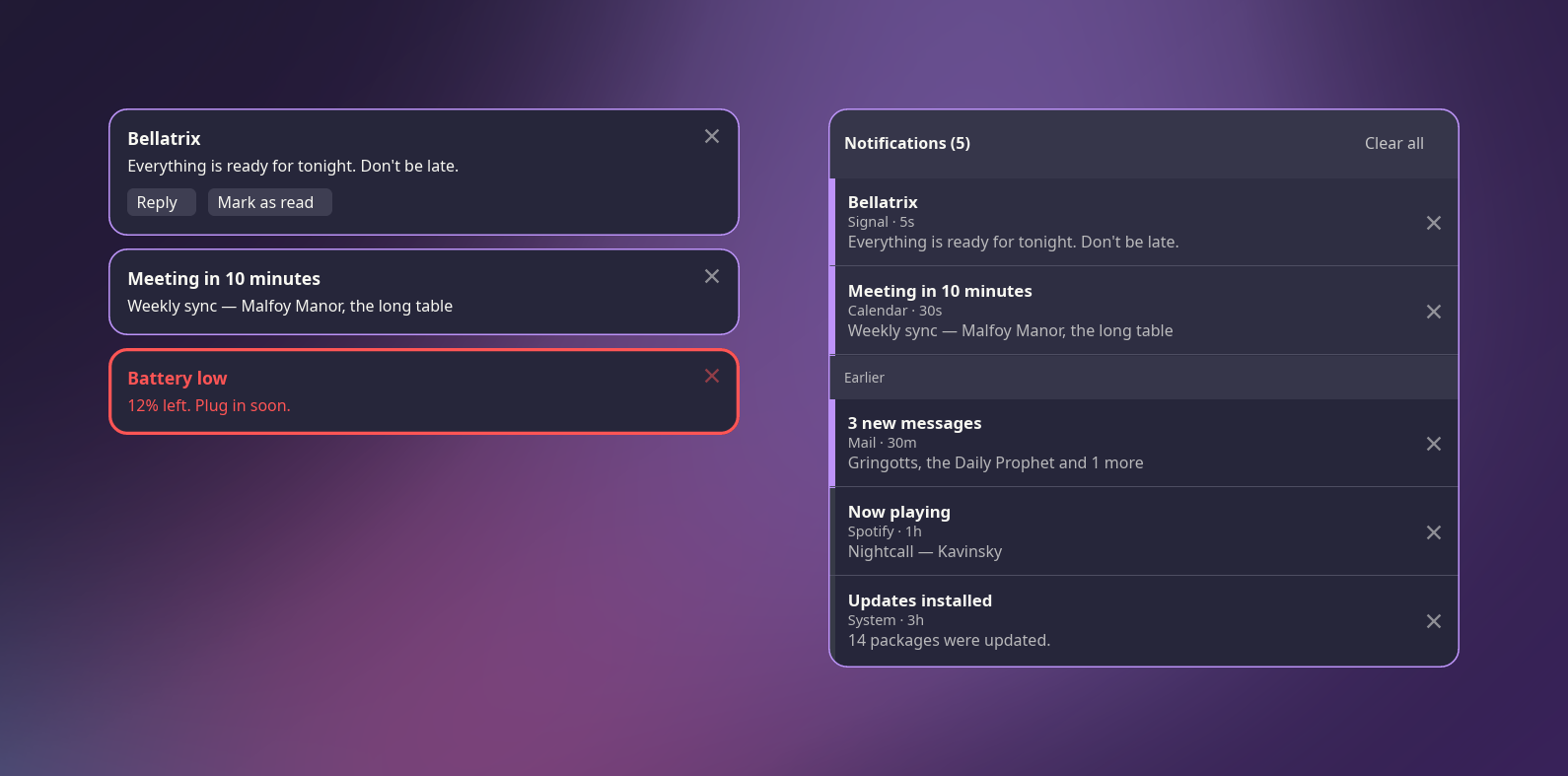
Toasts that arrive in the corner and get out of the way, and a notification center that keeps what you missed. It takes over from dunst or mako, and it's small: one process, one thread, no UI toolkit.
§1What it does
- The whole spec
- Urgency, actions, markup, images, replacing a notification in place, and transient and resident ones.
- A center with history
- Live notifications first, then everything earlier. Dismiss them one at a time or clear the lot.
- Do not disturb
- Ordinary notifications go quietly into history. Critical ones always get through.
- Sharp at any scale
- Text is crisp at 1.25×, 1.5× and 1.6×, not blurred by a stretched buffer.
- Edit, save, done
- Change
config.tomland the running daemon picks it up straight away. - Every script, every alphabet
- Emoji, CJK and right-to-left text all lay out properly.
§2From a key or a script
notifctl drives the daemon over a local socket. Set up binds the center and do-not-disturb to keys for you, and can undo that too.
If dunst, mako or swaync is already installed, Hyprforge won't switch them off behind your back. Only one notification daemon can run at a time, so Set up asks you first.
$ notifctl center       # open or close the center
$ notifctl dnd          # do-not-disturb on or off
$ notifctl dismiss-all
$ notifctl history --json
§3With the rest
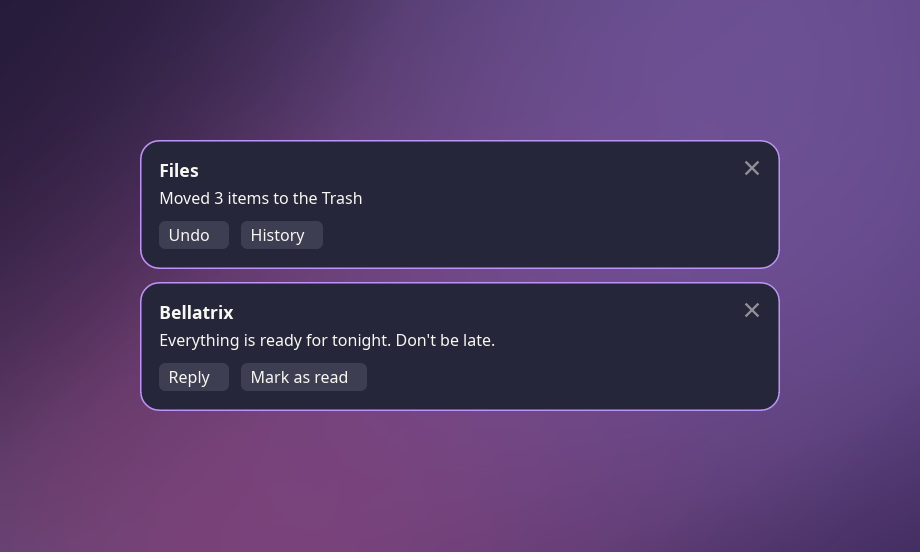
When Files moves or deletes something, its undo notice arrives here, with Undo and History buttons on it. While your screen is locked, the lock screen counts what came in so you know what's waiting.