What's in it/hyprforge-settings
Settings for Hyprland, in plain Lua.
Displays, keyboard and mouse, keybinds, window rules, animations, Wi-Fi, Bluetooth, the way it all looks. Change something here and it's written to a Lua file your config loads, so you can always open it and see exactly what happened.
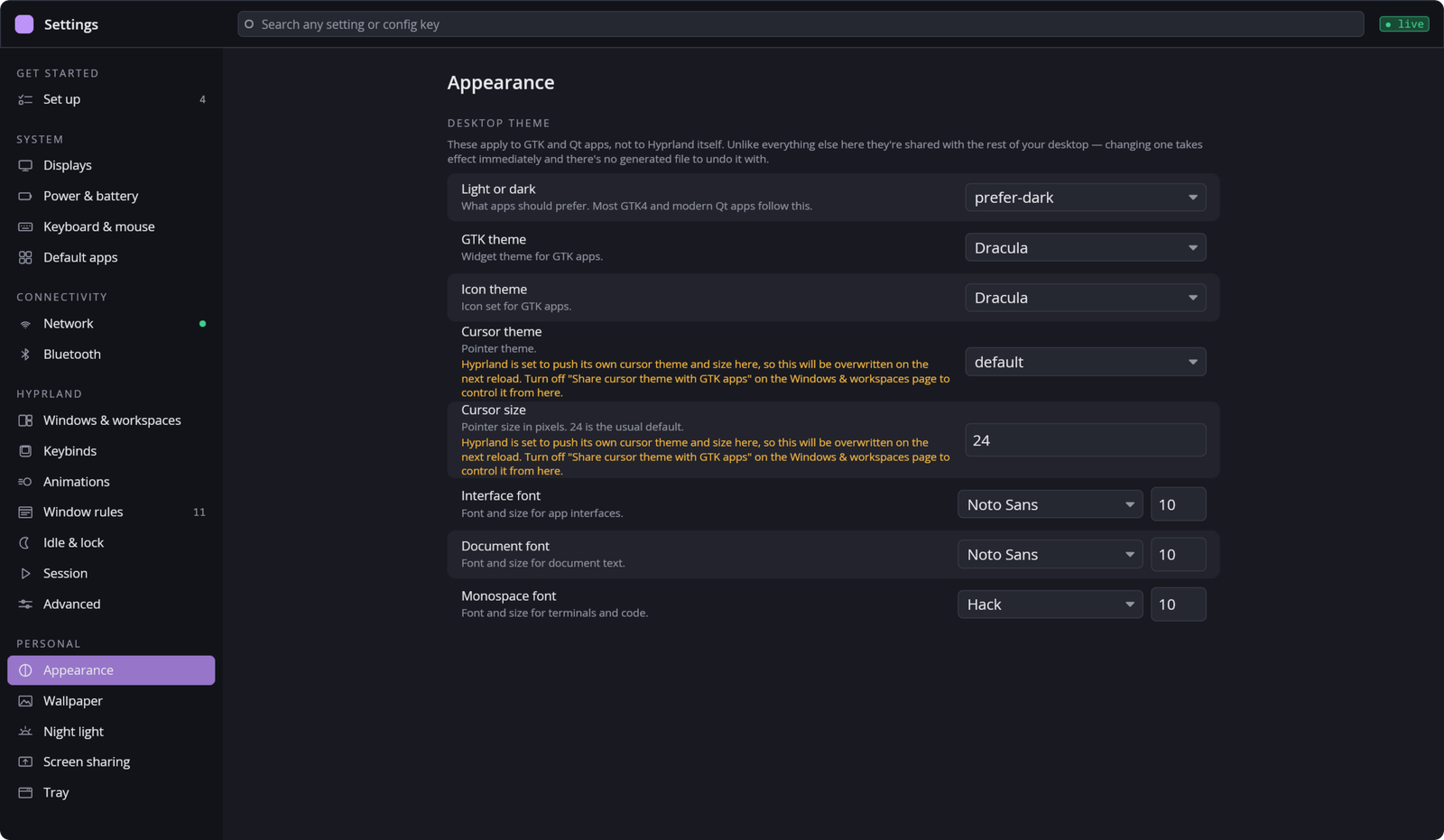
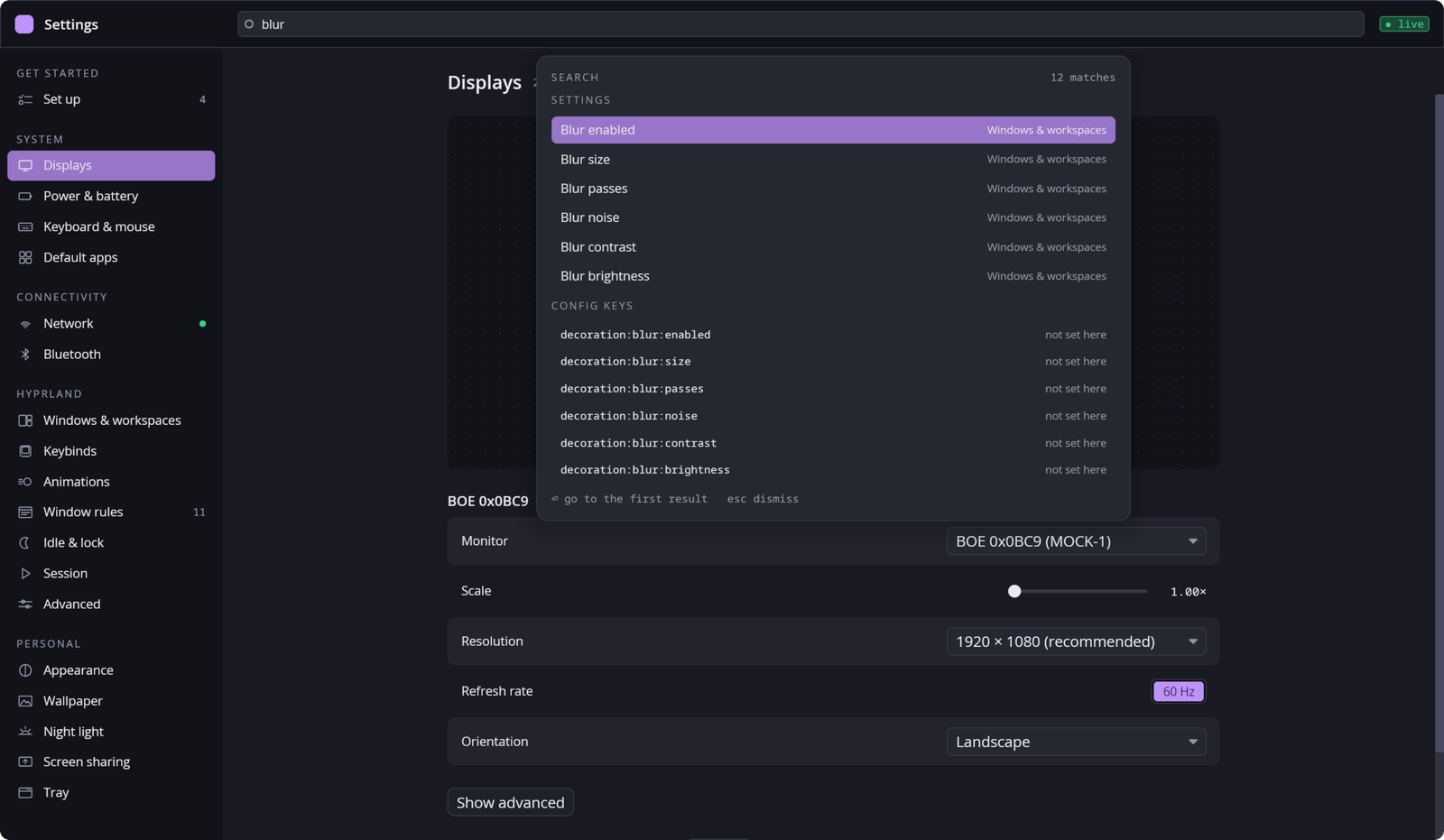
There are nineteen pages in five groups. Click through them below. In the app, Ctrl+K searches all of them at once, down to Hyprland's own option names, so typing gaps_in or just "gaps" lands you in the same place.
Set up
Finishes an install one checked item at a time, and remembers what it did so each item can be undone. It opens here the first time you launch Settings.
- Turn on the suite's background services
- Bind the clipboard, emoji picker and other popups to keys
- Point hypridle at the Hyprforge lock screen
- Make Files and Media your default apps
- Set up the open and save dialog
Displays
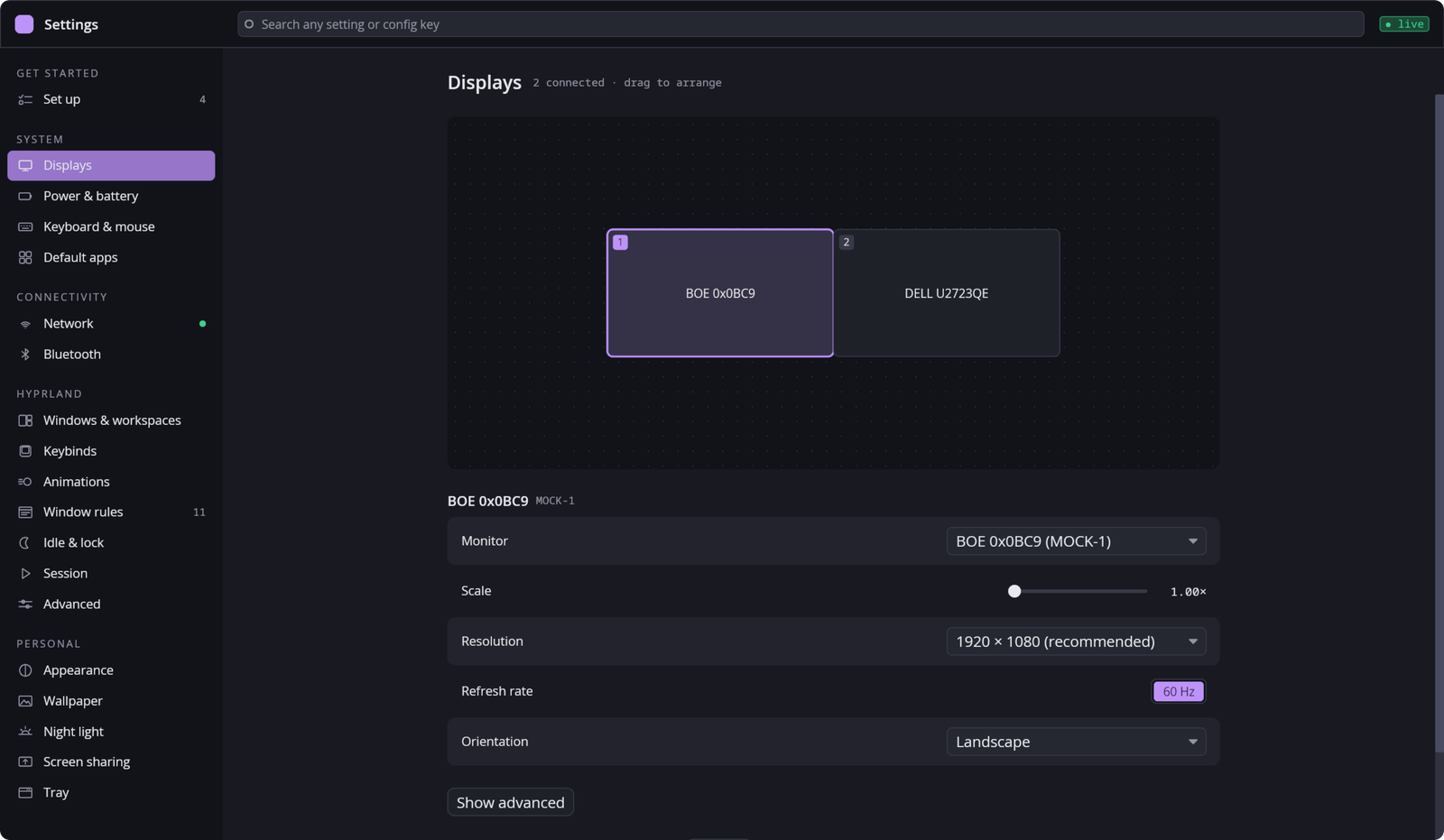
Drag your monitors into place and pick a mode and scale. The layout is remembered for that set of monitors.
- Only scales your panel can actually take
- Keep the change, or it reverts by itself
Power & battery
Battery from UPower and power profiles from power-profiles-daemon.
- Charge level and time remaining
- Power saver, balanced or performance
Keyboard & mouse
Keyboard layouts and repeat, pointer speed and scrolling.
Default apps
Which app opens which kind of file, in the shared freedesktop database, so every other app on your system agrees.
Network
Wi-Fi and wired connections, through NetworkManager. If it isn't running, the page says so instead of showing an empty list.
Bluetooth
Pair, connect and forget devices, through BlueZ.
Windows & workspaces
Gaps, borders, layouts and how workspaces behave.
Keybinds
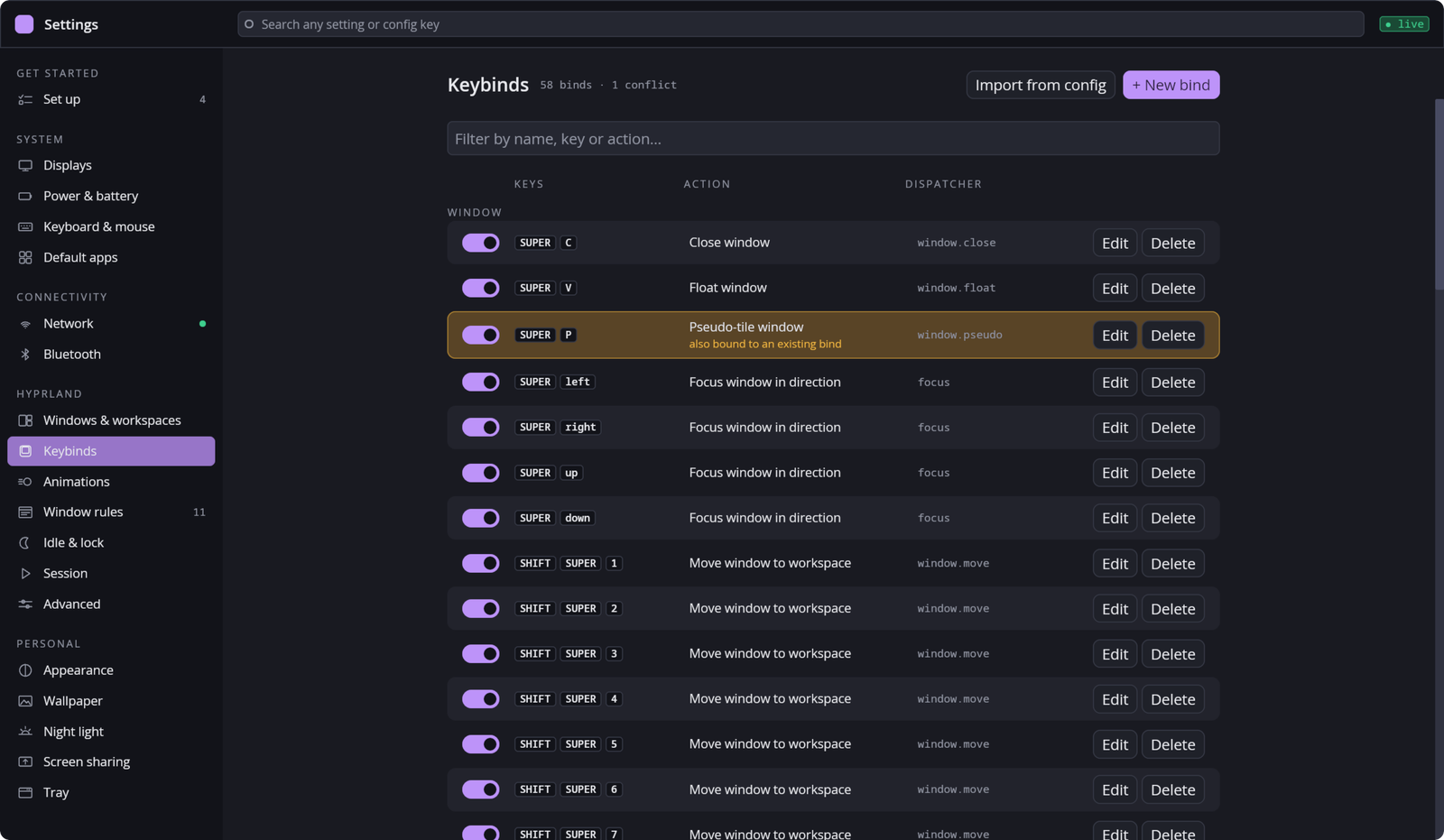
Every bind in one list, including the ones you wrote by hand. Record a new one by pressing the keys.
- Every dispatcher Hyprland has, checked against Hyprland itself
Animations
Hyprland's animations and the curves they follow.
Window rules
Where and how windows open: floating, size, workspace, opacity. Your hand-written rules are imported and still win.
Idle & lock
When the screen dims, locks and sleeps, through hypridle.
Session
What starts with your session, the environment it runs in, touchpad gestures and what apps may do.
- Dangerous environment variables are flagged
- A gesture that would clash is caught before it's written
Advanced
Any Hyprland option by name, for the things the friendlier pages don't cover.
Appearance
The look every Hyprforge app shares. The accent is your Hyprland border colour and the fonts are your system's. Changes reach the lock screen and the login screen too.
Wallpaper
Your wallpaper, through hyprpaper, applied as you choose it. Media's "Set as Wallpaper" lands here too.
Night light
Warmer colours in the evening, through hyprsunset. It's also a click away in the tray.
Screen sharing
The portal that lets apps share your screen. It's only restarted when you ask, because a restart would end a share in progress.
Tray
Which of Hyprforge's tray icons appear in your bar.
It never rewrites what you wrote.
Settings writes its own files and adds a short, marked block of require() lines to your hyprland.lua. Your own config loads after it, so anything you wrote by hand still wins. It never touches a .conf.
When you first open it, it reads the keybinds and rules you already have, using a sandboxed Lua evaluator rather than guessing with a regex. If a file won't parse, you're told, and nothing gets written over it.
-- Hyprforge-managed requires (evaluated first) — do not edit by hand.
require("hyprforge/window-rules")
require("hyprforge/monitors")
-- end Hyprforge-managed requires

-- and then yours, untouched
require("my-binds")
Settings is the one piece that isn't small. It brings most of the suite's libraries with it, because it's the place all of them are configured. Every other piece installs and runs without it.