What's in it/hyprforge-media
Photos, video and 3D models, one window.
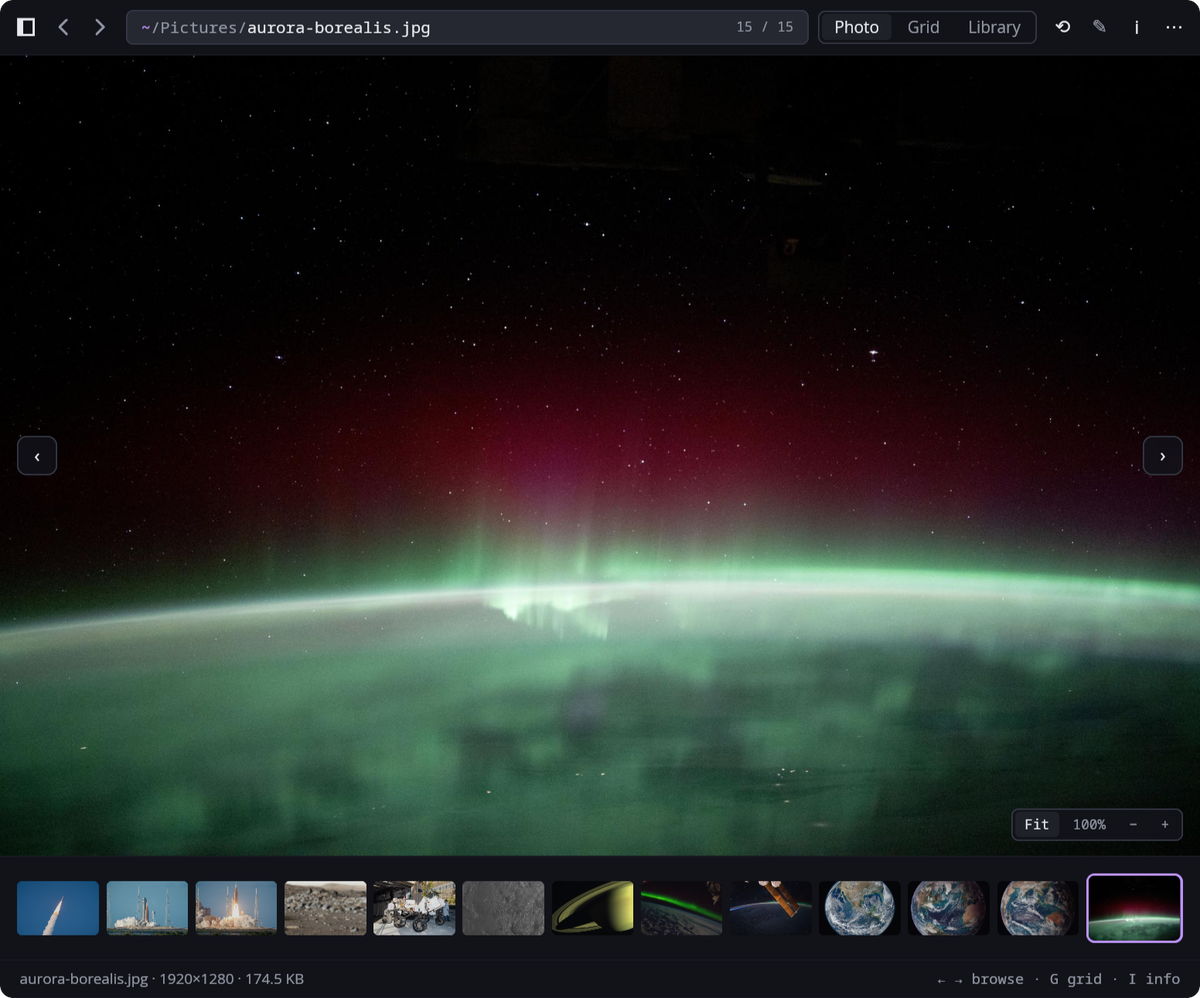
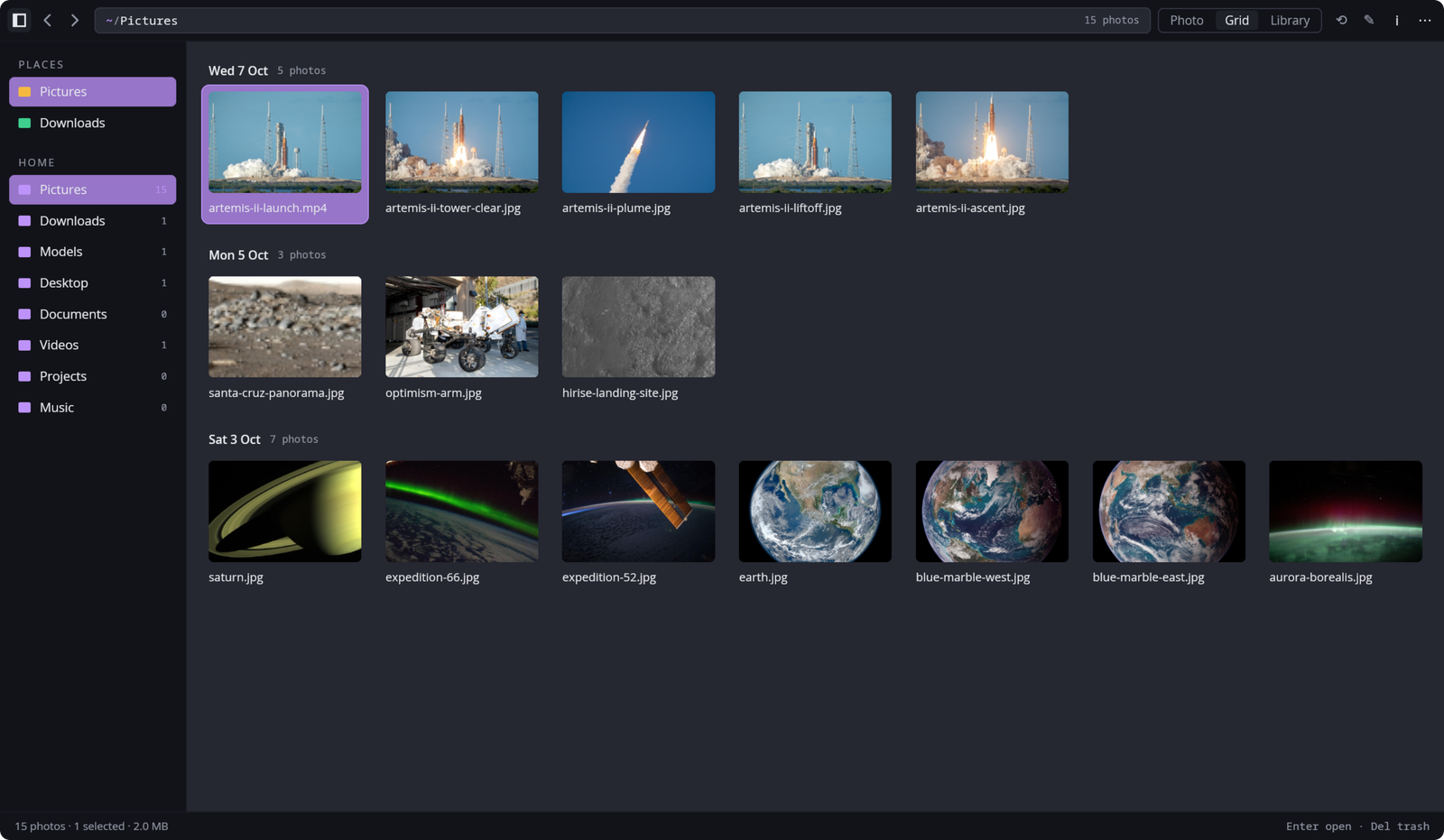
Open a photo and it floats on your screen at its own size. Open a folder and you can walk through it in exactly the order Files shows it. Behind that is a grid grouped by date, a library, a filmstrip, the EXIF details and a slideshow.
§1What it does
- The same "next" as Files
- Both ask one shared library which picture comes next, so two windows on one folder never disagree.
- The right way up
- EXIF orientation is always applied, and the inspector shows the rest of the camera's notes.
- Big photos, safely
- A 36-megapixel file is measured before it's decoded, so one huge picture can't take the viewer down.
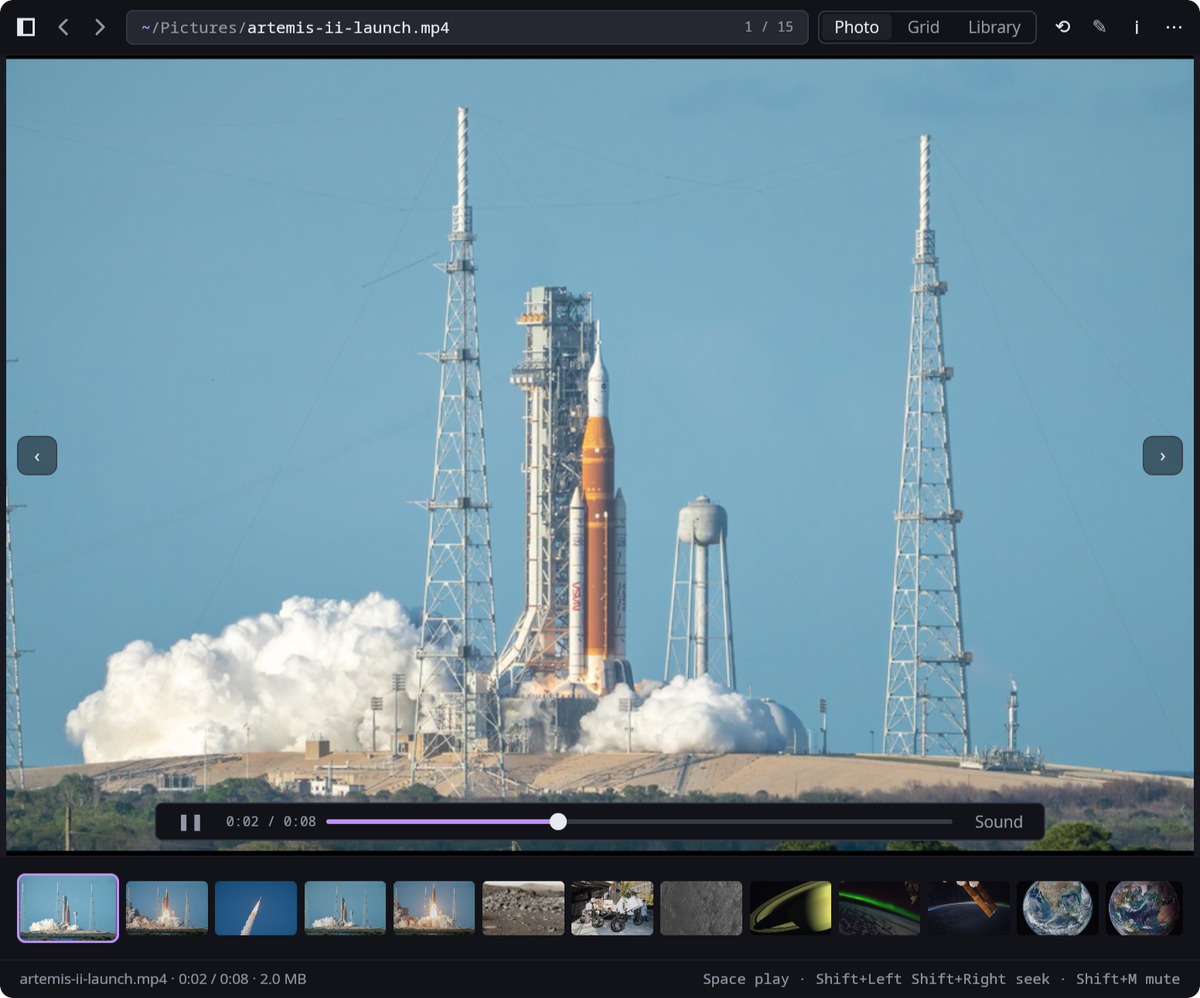
- Video through mpv
- mpv is loaded when it's needed, not linked in. Without it, everything else still works and a video tells you what's missing.
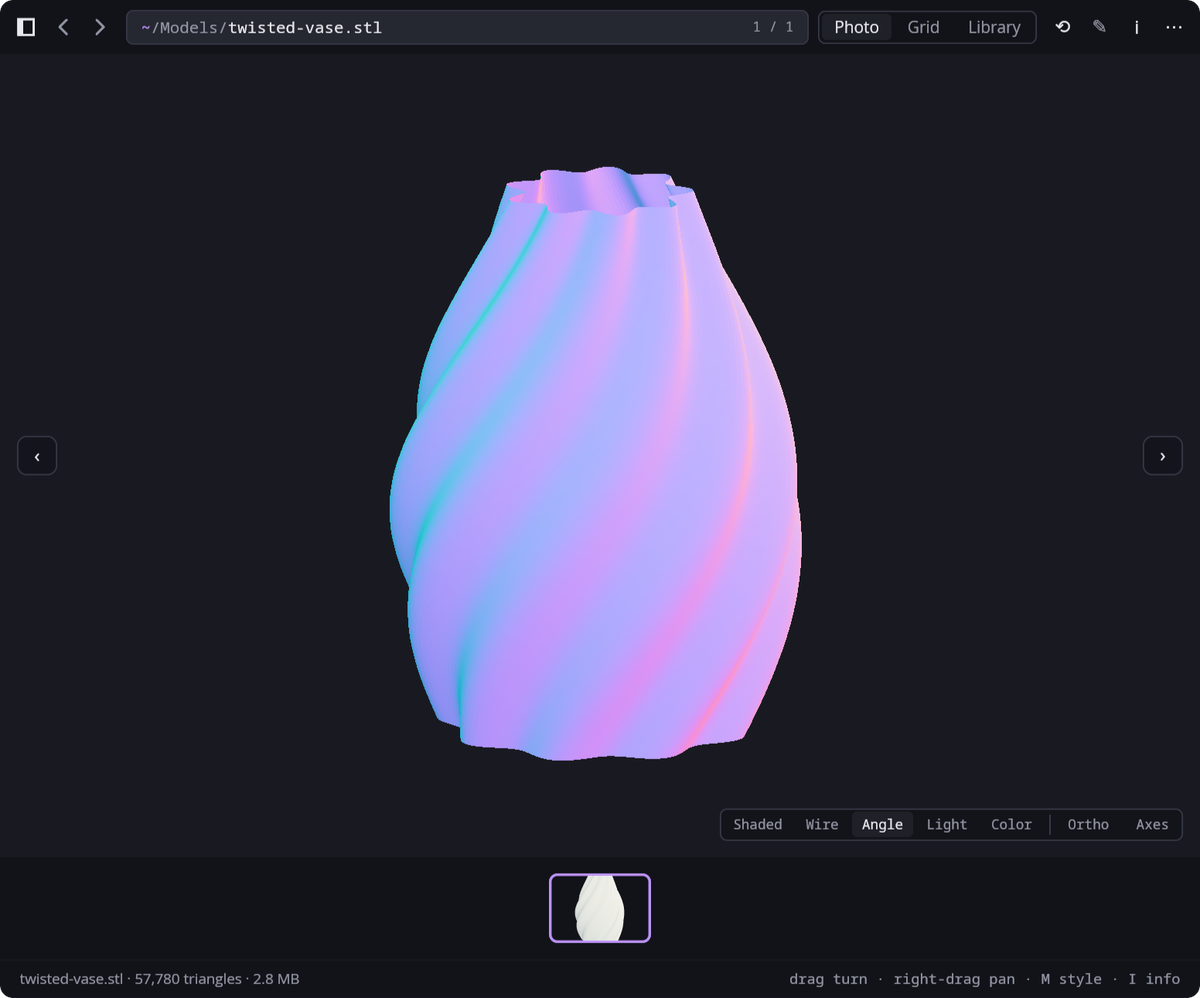
- 3D models
- STL, 3MF and OBJ, drawn on the GPU in the same window. Drag to turn them.
- Part of the desktop
- Copy, Open With, Trash, Show in Files and Set as Wallpaper each go through the same code the rest of the suite uses.
§2Plates