What's in it/hyprforge-lock
A lock screen that stays locked.
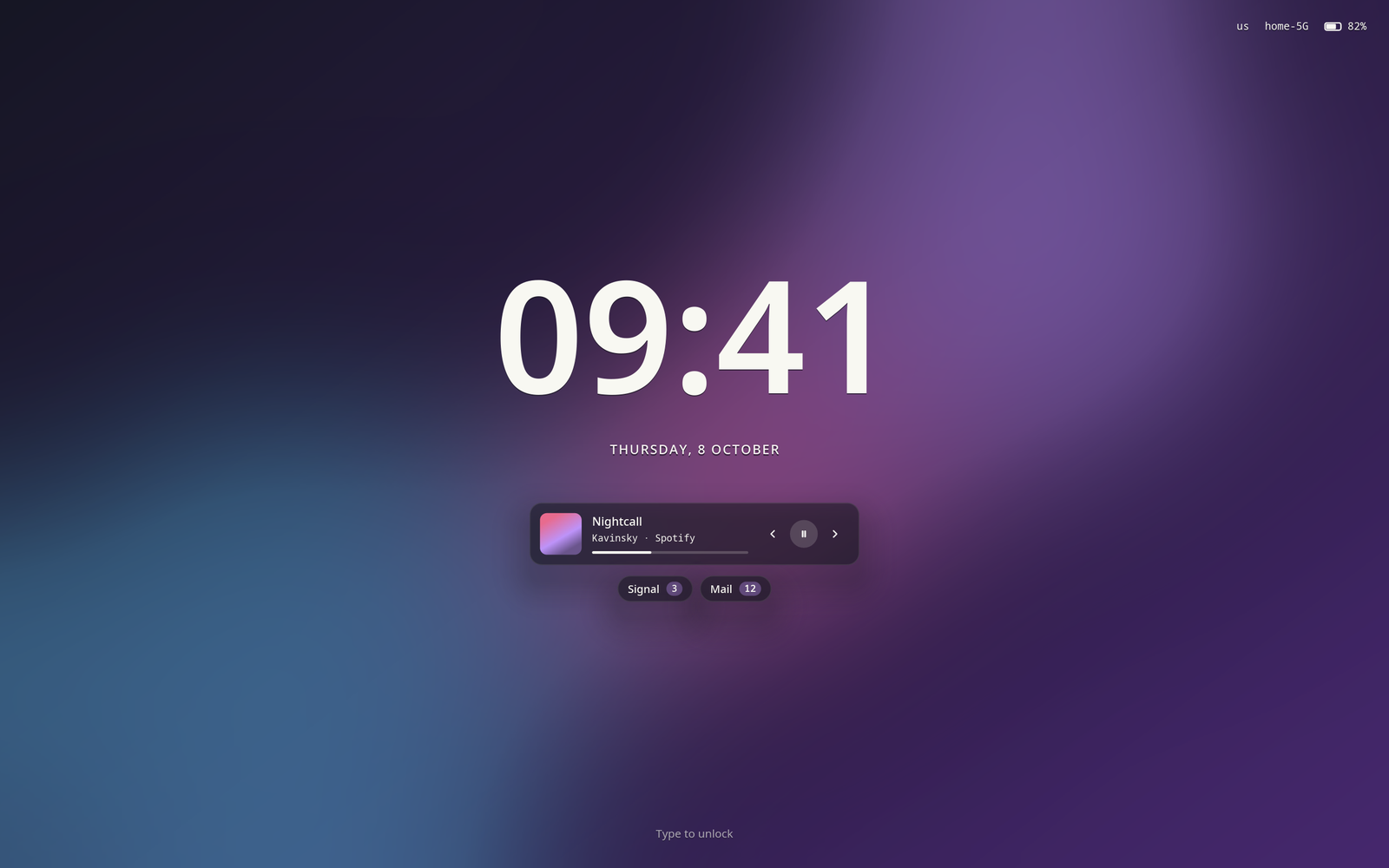
Your wallpaper, a clock, and what's playing. Start typing and a card comes up asking for your password, or just touch the fingerprint reader. If anything goes wrong, the session stays locked.
- Password and fingerprint at once
- It listens to fprintd beside the password field, not after it. Three unrecognised fingers stop the reader until the next lock.
- The whole PAM check
- A correct password is checked against your account too, so an expired or locked account stays locked.
- Media and messages
- Play, pause and skip from the lock screen. Notifications that arrive while you're away are counted per app, whichever notification daemon you use.
- A power menu
- Suspend, restart or shut down from the ⏻ button or Tab.
- Every monitor, sharp
- The card follows your keyboard and the other screens show the clock. Each one is drawn at its real fractional scale.
- Instant
- Its windows exist before the compositor confirms the lock, so it's on screen at once, not five seconds later.
It tells you why before it says no.
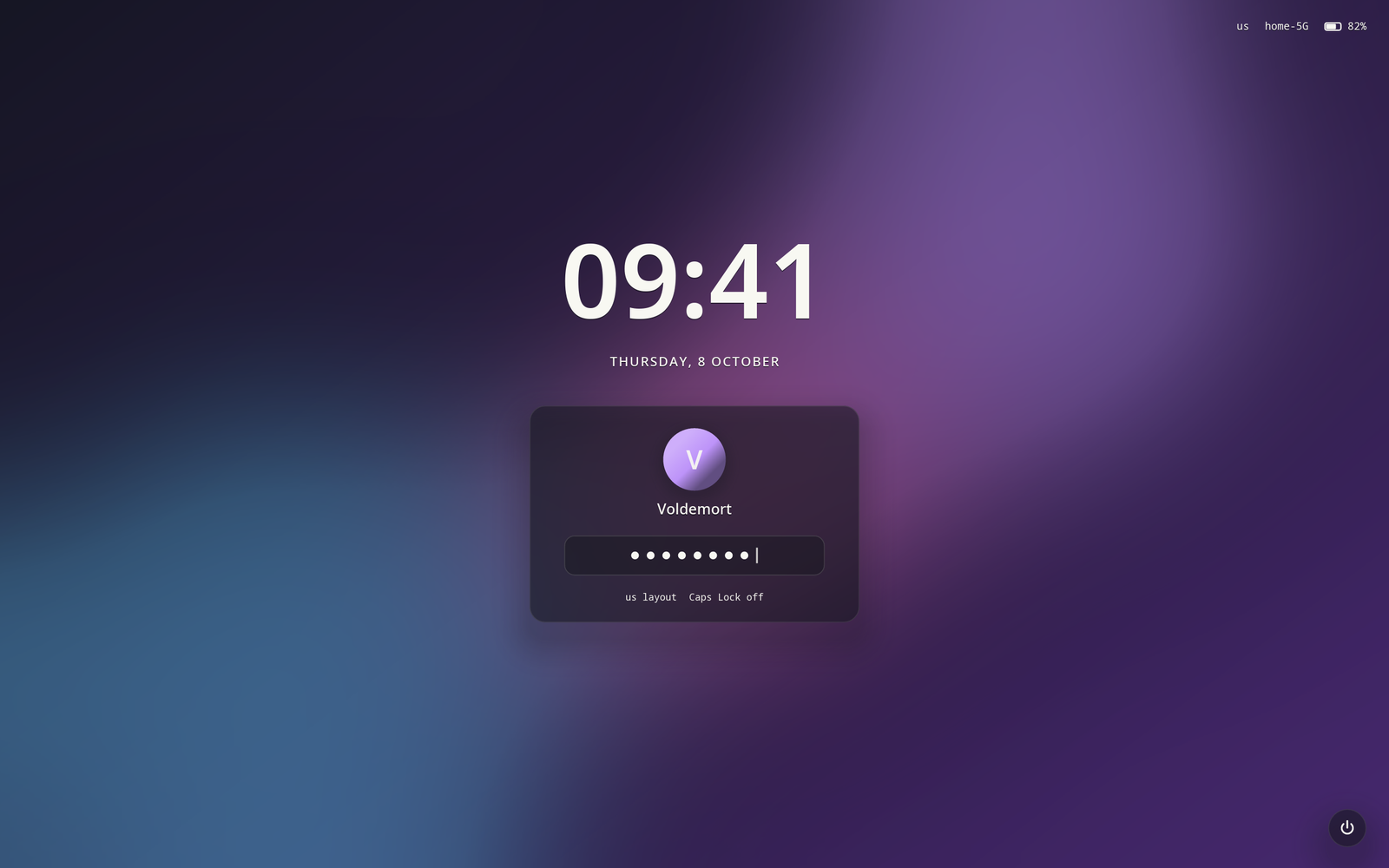
The card shows your keyboard layout and whether Caps Lock is on, because "wrong password" is most often the wrong layout. It reads what each key typed, not which key it was, so capitals and symbols in your password survive.
A wrong password gives the field a shake. Nothing you type, not even a key's name, is written to a log.
You stay locked. That's the whole point.
A lock screen that crashes must never hand over your session. Hyprforge's runs under a supervisor. If it dies, Hyprland keeps the screen covered and the lock comes back in a simpler safe mode, with the power menu hidden. Set up turns on the Hyprland setting this relies on.
Every extra on the screen comes from somebody else's service: UPower for the battery, NetworkManager for Wi-Fi, fprintd for fingerprints, any MPRIS player for media. If one is missing, that part of the screen just isn't there.
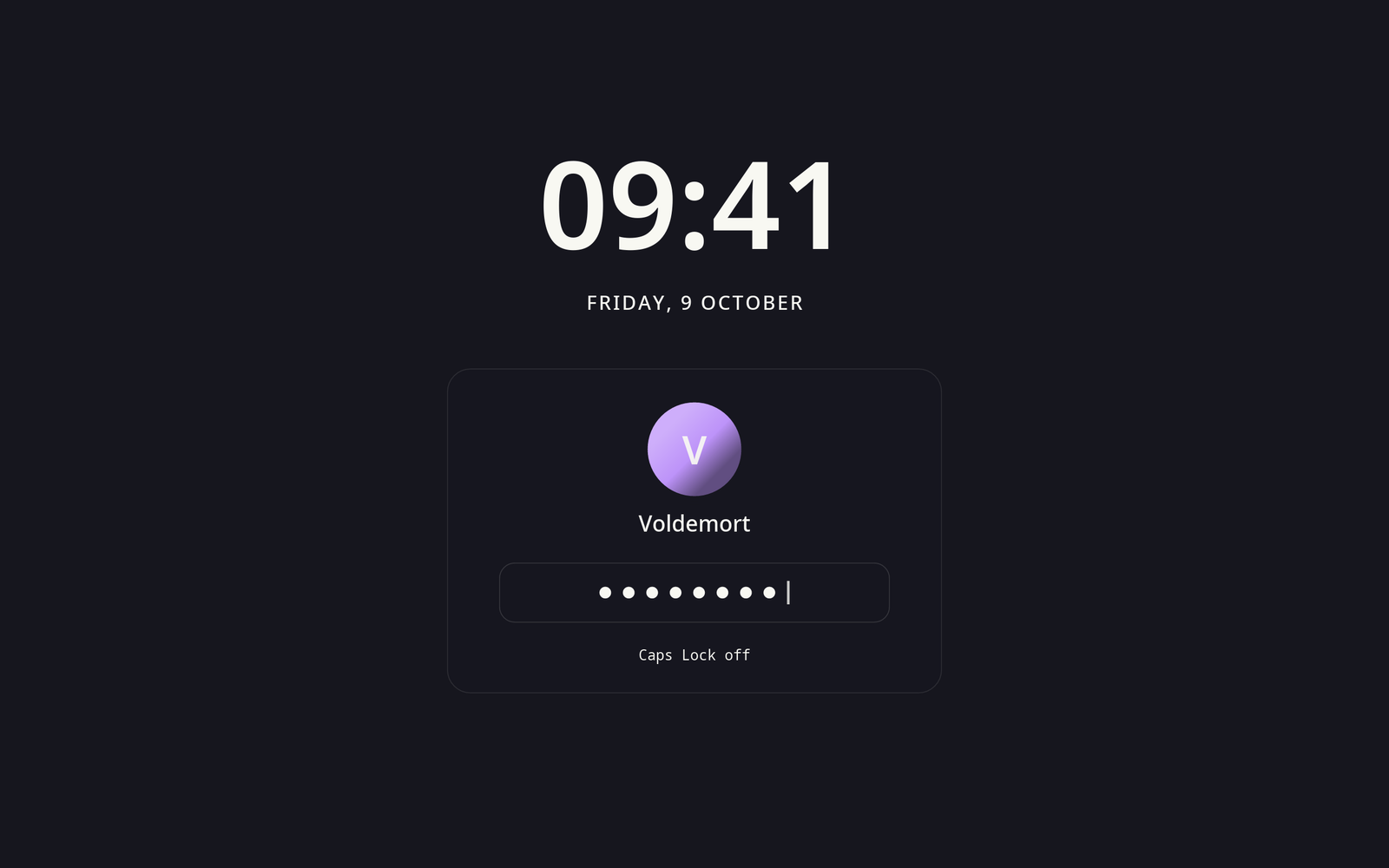
The lock screen needs six small Hyprforge libraries, which come from crates.io, and nothing else from the suite. Set up can point hypridle's lock_cmd at it for you. It installs its own PAM file with both the auth and account stacks, because borrowing hyprlock's would reject correct passwords.
$ ./hyprforge --install --lock