What's in it/hyprforge-tray
The tray, without GTK or Qt.
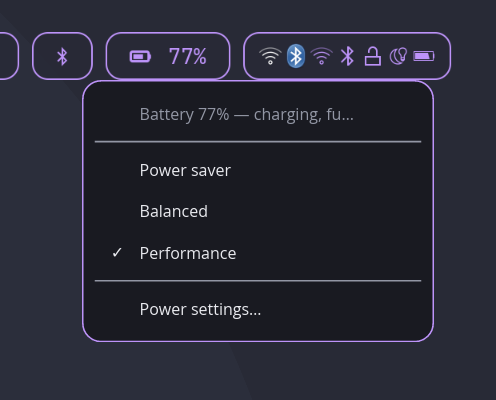
One small daemon puts Wi-Fi, Bluetooth, battery and power profiles, keep-awake, night light and your display layouts into whichever bar you already run. On Hyprland it draws its own menus. Everywhere else, your bar does.
§1What's in it
- Network
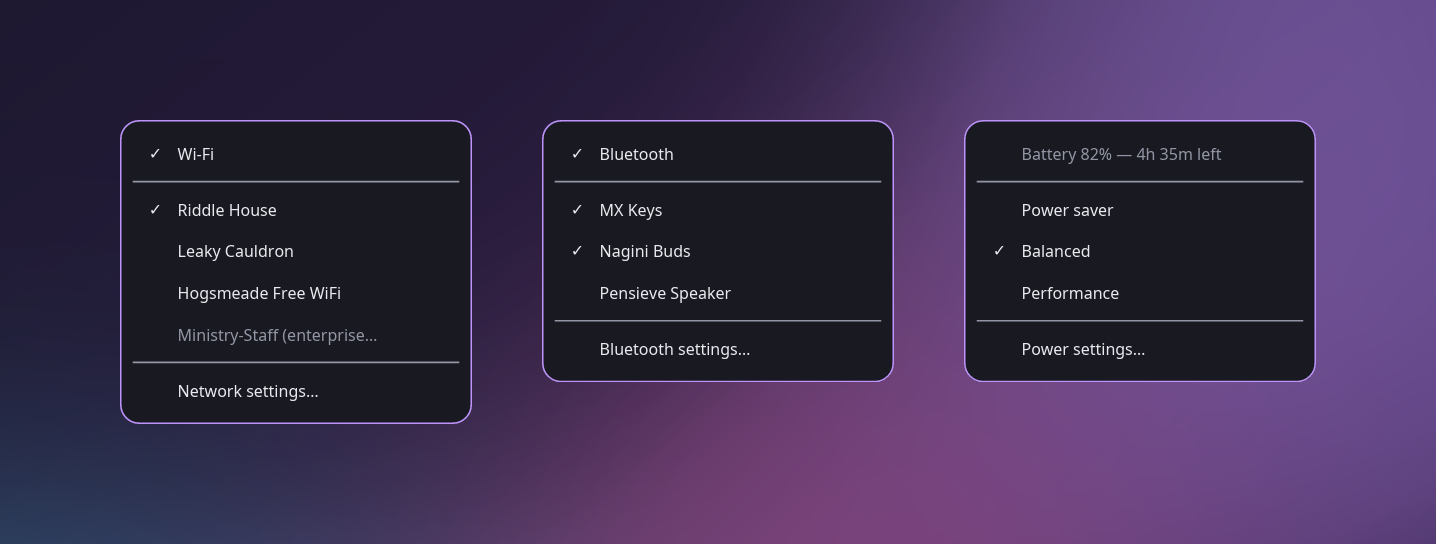
- Wi-Fi and Ethernet, through NetworkManager. Join a network from the menu.
- Bluetooth
- Connect your devices through BlueZ, or turn the radio back on.
- Battery and power
- Charge from UPower, and saver, balanced or performance from power-profiles-daemon.
- Keep awake
- Stop the machine sleeping while something important runs.
- Night light
- Warmer colours through hyprsunset, a click away.
- Display layouts
- Switch between the monitor layouts you've saved.
§2Why no toolkit
A tray icon is a message, not a widget.
Your bar draws the icon from a name and a few properties it reads over D-Bus. That's how this tray avoids GTK and Qt, which almost every other way of putting an icon there drags in.
Its icons never hide. With Wi-Fi off, the icon stays, because that's exactly when you need its menu to turn Wi-Fi back on. And if NetworkManager isn't running, the menu tells you so while the other icons carry on.