What's in it/hyprforge-clipboard
Everything you copied, except your passwords.
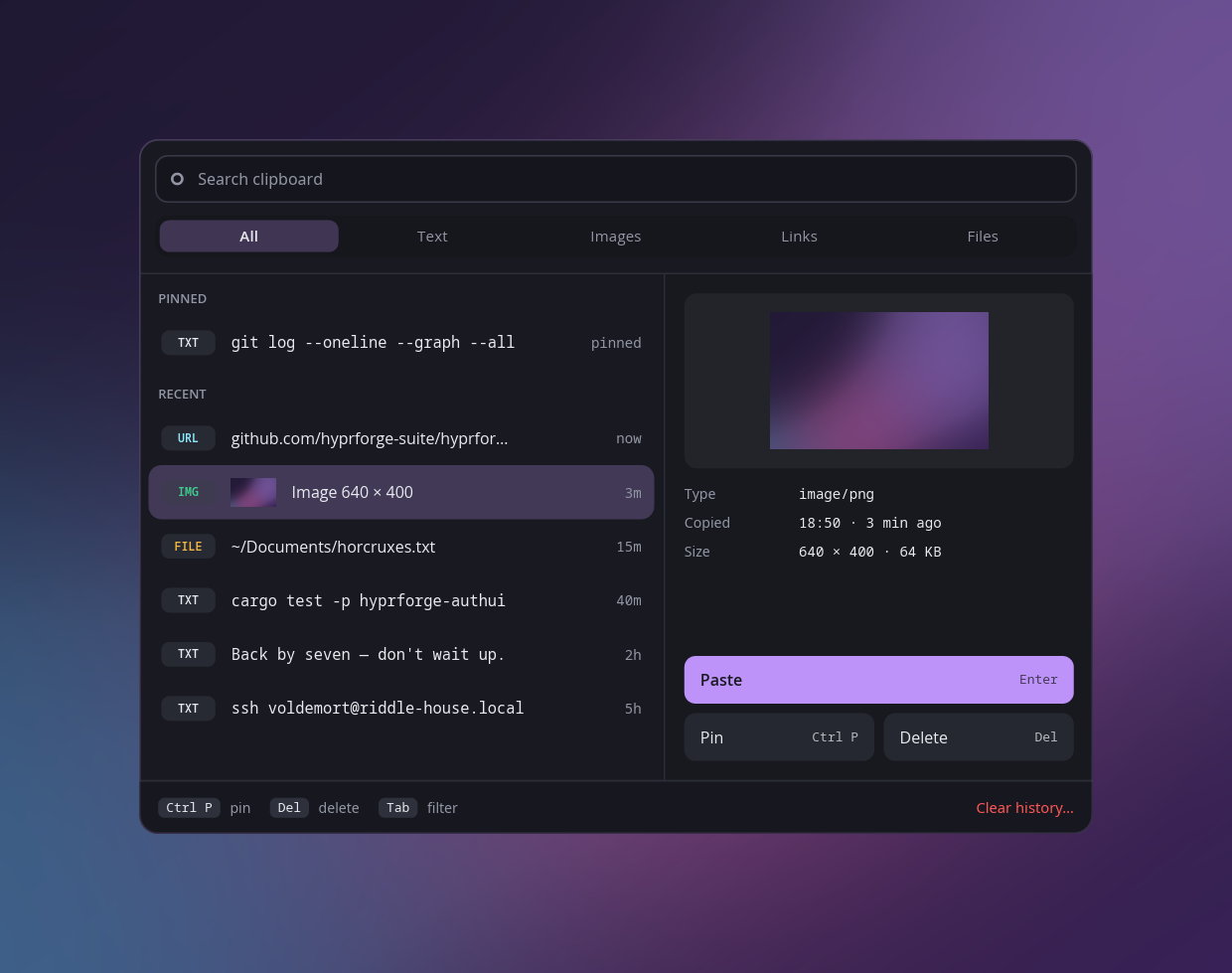
A small daemon remembers what you copy. Press a key and the history opens at your pointer. Pick something and it's pasted into whatever you were using: text, links, images or files.
A secret is never read, so it can't be kept.
A clipboard manager writes your history to disk. A password manager puts your password on the clipboard. Use both carelessly and your passwords end up in a file in your home folder, and neither program ever mentions it.
So Hyprforge checks whether a copy is marked secret before it asks for the contents. A secret is never read, stored or logged. It doesn't enter the program at all.
kept     text           git log --oneline
kept     image/png      a screenshot
kept     file           ~/Documents/notes.md
skipped  marked secret by your password manager
         contents never requested
- Search and tabs
- Type to search, or show only text, images, links or files.
- Pins
- Pin what you paste every day and it stays at the top.
- It actually pastes
- The popup waits for the compositor to confirm it received the keys before it closes, rather than guessing how long that takes.
- Your pick outlives the popup
- On Wayland a copy disappears with whoever made it. The daemon holds your pick, so it's still there after the popup closes.
Installing the clipboard gets you the daemon and its popup, and nothing else: no Settings app and no tray. Set up can turn on the service and bind the popup to a key, and undo both.
$ systemctl --user enable --now hyprforge-clipd
# then bind hyprforge-clipmenu to a key